 Buy
Buy Rent
Rent Sell
Sell New
New Prices





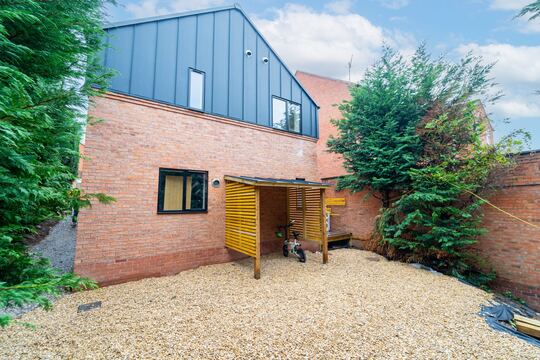
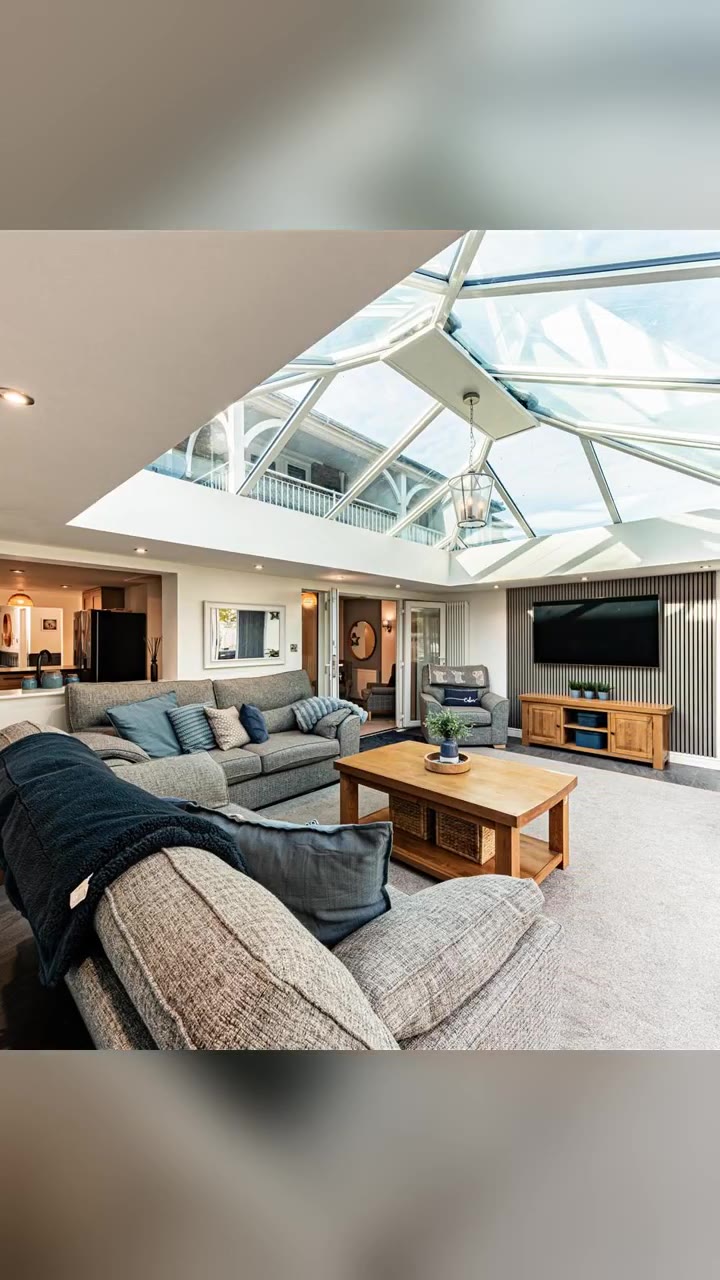
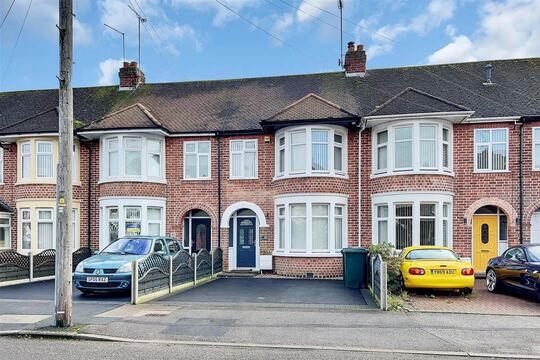
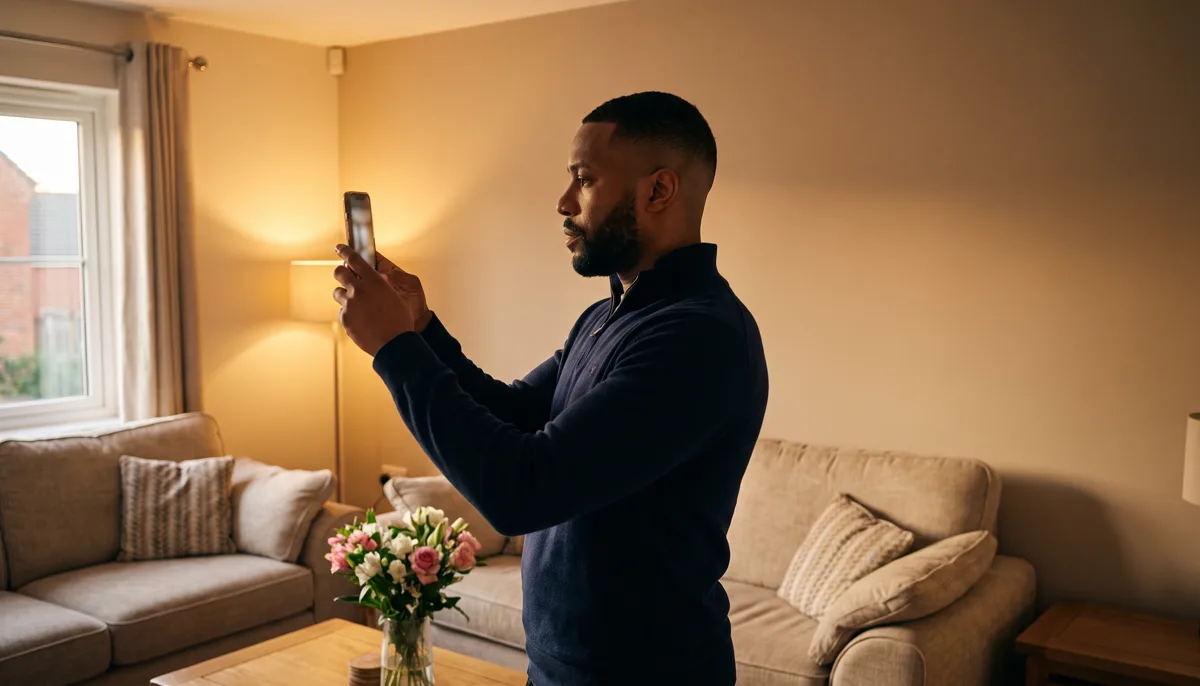
Every listing photo, magazine-grade.
Shoot on your phone, upload the lot. Photo Studio sorts every photo into its room, stages the empty ones, brightens the tired ones and tidies the exterior — up to 40 photos in one batch, each one disclosed and ready to list.
10,616
UK estate agency branches on home.co.uk
≤10 photos
Sorted into rooms per vision AI pass, chained across the whole shoot
Draft or Final HD
Pick your quality tier per batch
How it works
Seven steps from phone shots to listing gallery.
Photo Studio is a batch workspace, not a single-photo filter — you upload once and everything downstream is organised, staged and disclosed for you.
Bring in the photos
Upload straight from your phone or desktop, pick from an existing listing's gallery — Rightmove and CRM-fed listings both work through the same cross-source picker — or paste a photo URL. Mix all three in one batch of up to 40 photos.
Auto-sort into rooms
Tap Sort and a vision AI classifies the whole shoot into named rooms — kitchen, living room, bedroom, bathroom and more — working in chunks of up to 10 photos and carrying the room list forward, so "Bedroom 2" means the same physical room from the first chunk to the last. Free to run, and every name is yours to edit.
Choose what each room needs
Six modes: virtual staging, repaint walls, declutter and depersonalise, enhance lighting and clarity, exterior clean-up, or a fully custom prompt. Pick a style from the 18-look interior lookbook, or let the quick stylist read the photo and propose three tailored directions as tappable suggestions.
One design brief, the whole property
Staging a property generates a single design brief once per batch — palette, accents, furniture direction — so every room reads as one coherent scheme, deliberately varied from your branch's recent instructions rather than repeating the same look street after street.
Angles of the same room, chained together
Got three photos of one lounge from different corners? Group them as a room and turn chaining on. The first render becomes the anchor; every other angle is staged against its output, so the same sofa and rug appear in every shot of that room, not a different guess per photo.
Render, review, touch up
Pick Draft or Final HD quality and generate the batch. Every result lands in a grouped before/after gallery. Not quite right in one corner? Touch-up paints a mask over just that area and regenerates it alone — everything outside the mask stays pixel-identical.
Disclose and save to the listing
Every enhanced photo carries a disclosure label — Virtually staged or Digitally enhanced — switched on by default, with an optional branded watermark. Save any result straight back onto the matching listing's gallery, no download-and-reupload round trip.
From the empty room to the listing
Shoot. Sort. Upload. Reveal.
Four steps between the front door and a photo you'd actually put on the portal.

1 · At the property
Shoot on your phone
No tripod, no lighting kit. Walk the rooms, snap what's there — tired carpet, bare walls, an empty lounge. Photo Studio does the rest later.

2 · While the kettle's on
Watch it sort itself
Tap Sort and the vision AI names every photo's room in batches of up to 10, before you've picked a single style.

3 · Back at the desk
Choose the styling
Set a mode per room — staging, repaint, declutter, or a straightforward enhance — and pick a style from the lookbook.

4 · Ready to list
A gallery worth the click
Disclosed, watermarked if you want it, saved straight to the listing. The photo that gets someone to book a viewing, not scroll past.

The camera hasn't changed — a phone still takes the shot. What happens to it afterwards has.
What actually happens to your photos
One room staged. A whole shoot sorted.
Left: a real before-and-after from Photo Studio. Right: how a whole shoot gets grouped the moment it lands.
 Staged
 Before
Empty room in. Staged room out.
The walls, the window and the floor plan never move — only furniture, decor and light change. Every staged result carries a Virtually staged disclosure label by default, so what you're showing a buyer is always honest about what's real.
Unsorted upload
Kitchen
Living room
Bedroom
Garden
Vision AI · ≤10 photos per pass · names carried across the batch
One upload, every photo in its place
Dump the whole shoot in and the auto-sorter names every photo's room before you've picked a style. Chunks of up to 10 photos at a time, threading the room list forward, so a 40-photo shoot still comes out with consistent names throughout.
Before the diary fills up
The listing-photo scramble, rebuilt.
The old way
- ✕Book a photographer, wait days for a slot, wait again for the edit
- ✕Vacant properties list looking bare — no furniture, no sense of scale
- ✕Sort and rename 150 photos by hand before anyone can upload them
- ✕Grey sky, a bin by the front door, someone's car in every exterior shot
With Photo Studio
- Shoot on your own phone, upload the same afternoon
- Empty rooms furnished with one cohesive design brief per property
- Auto-sort names every photo's room before you've touched a dropdown
- Blue sky, a green lawn and a clear driveway with one tap each
A day in the life
Vacant to viewing-ready, same day.
How a negotiator turns an empty new instruction into a full listing gallery before close of play.
Keys collected, house empty
Dan picks up the keys to a vacant two-bed terrace in Cardiff, vendor already moved out. Bare rooms, no furniture, a new instruction that needs to go live this week.
22 photos on his phone, front room to garden
Every room, the hallway, the garden and the front elevation — fifteen minutes with his phone, no tripod, no waiting for a photographer's diary to clear.
Uploaded, sorted, staged
Back at the branch, he uploads all 22 in one batch. Auto-sort groups them into five rooms before he's finished his coffee; he sets the living room and both bedrooms to virtual staging, Scandi style, and leaves the kitchen and bathroom as a straight enhance.
While the kettle's on
- All 22 photos sorted into five named rooms
- One design brief covering both bedrooms and the lounge
By lunchtime
- Exterior shot cleaned up — blue sky, bin and wheelie box removed
- All 22 results back, disclosure labels applied automatically
from keys to a full gallery
Dan reviews the results, touches up a light switch that came out oddly staged in the hallway shot, and saves every photo straight onto the listing. No courier, no waiting on an external photographer's turnaround.
Live before the afternoon viewings
The listing goes live with a furnished, brightened gallery — the same afternoon the keys were collected, not the following week.
Six modes, one workspace
Not every photo needs the same fix.
Set a mode per room, or per photo — different rooms in the same batch can do different things.
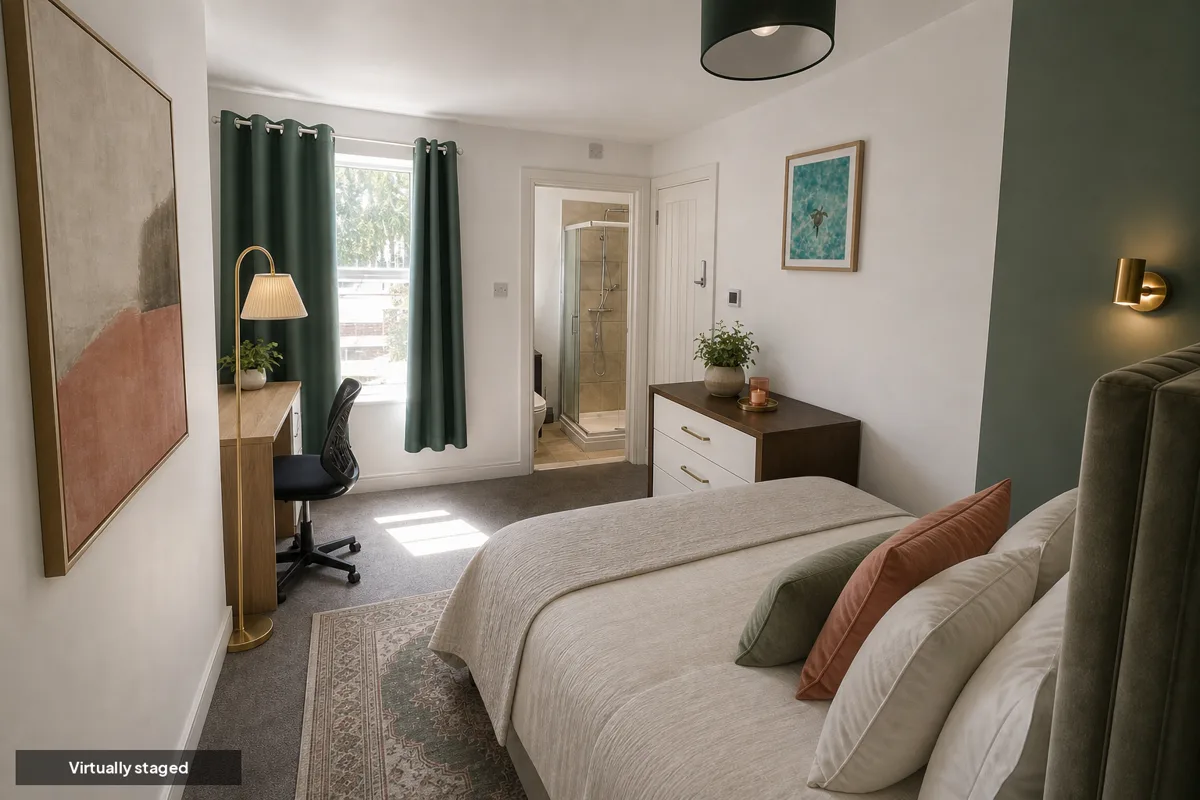
Virtually staged
Virtual staging
Furnishes an empty or tired room with AI-staged furniture and decor, matched to the property's design brief and consistent across every angle of the same room.
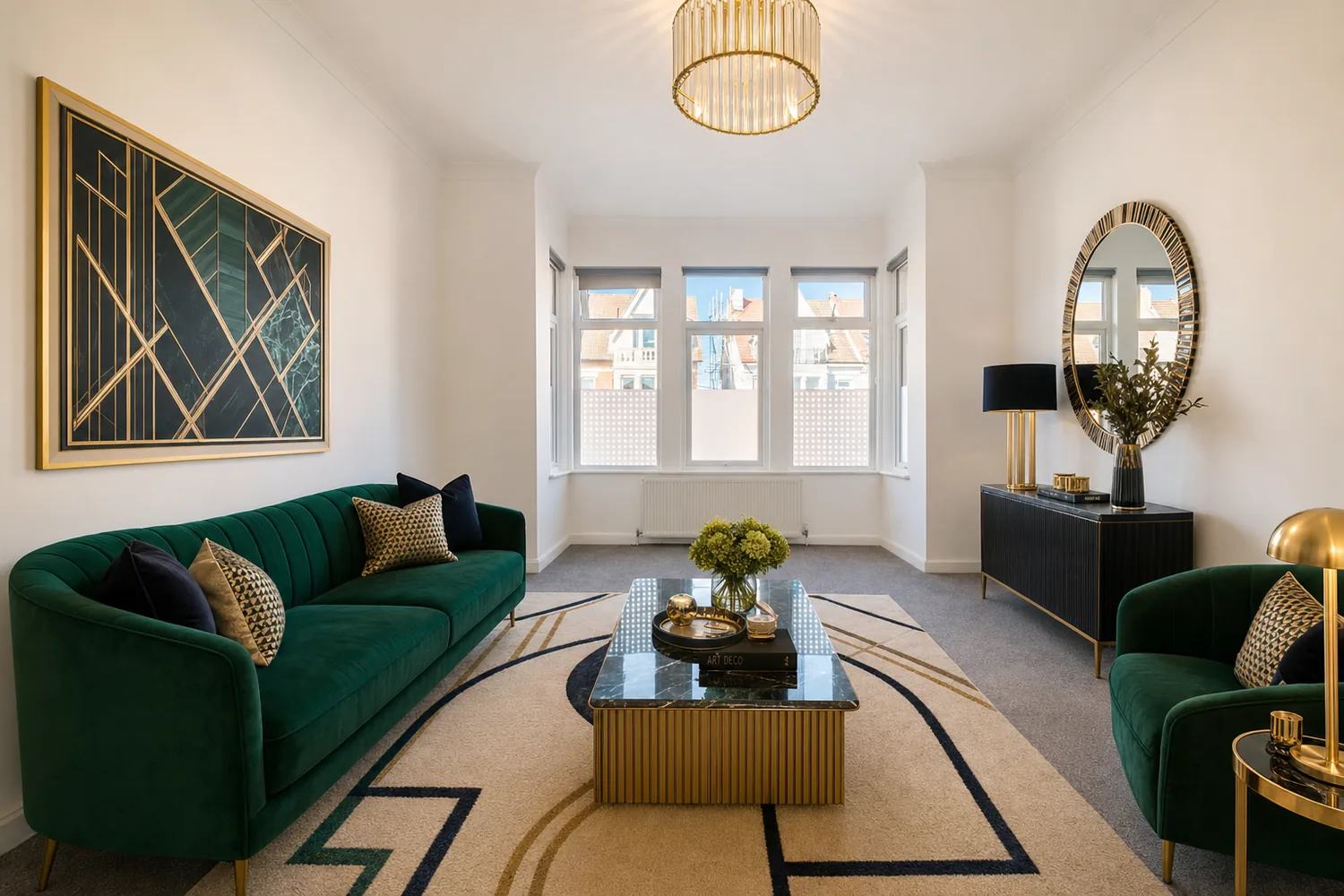
Repaint walls
Change a wall colour without touching anything else in the room — useful for a dated feature wall or a landlord asking "what would neutral look like?"
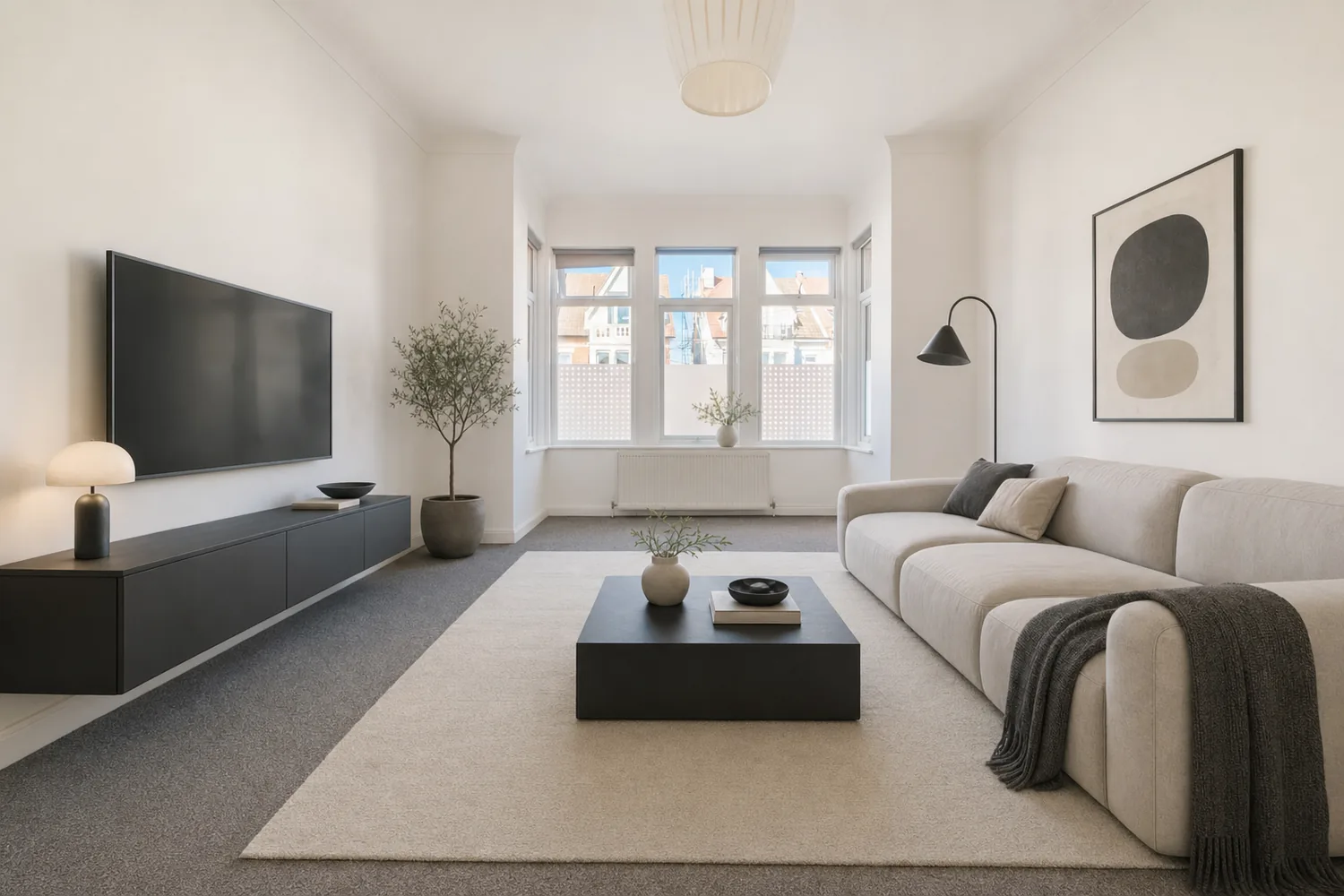
Declutter & depersonalise
Clears personal items, clutter and mess from an occupied room so buyers see the space, not the current owner's belongings — the structure stays untouched.
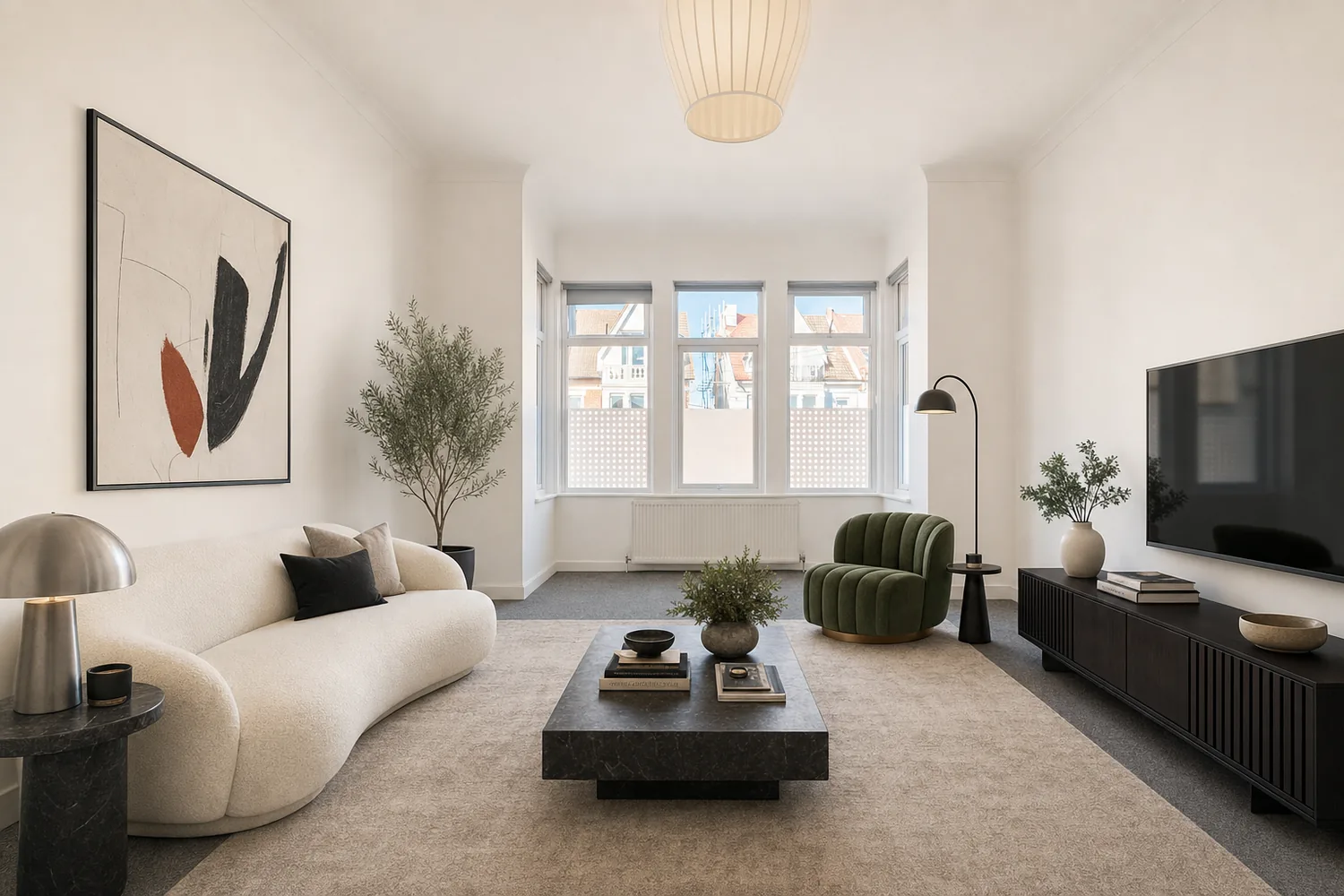
Enhance only
Lighting and clarity, nothing else. For a room that's already furnished and photographs fine but needs a touch more brightness and colour accuracy.
 Digitally enhanced
Exterior clean-up
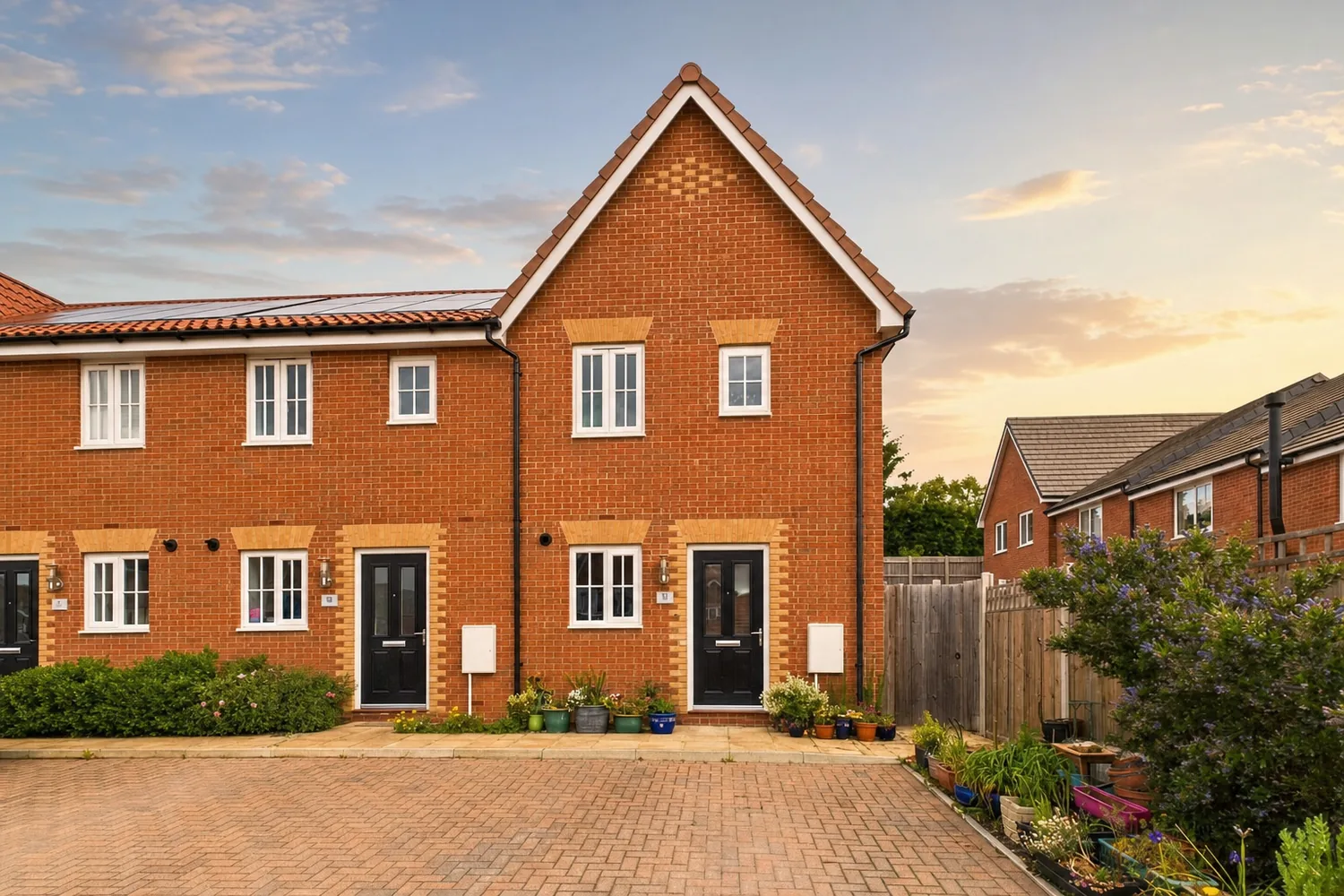
Blue sky, golden hour or twilight sky swap, a greener lawn, bins, cars and For Sale boards removed — chattel-level tidying, never the building itself.
Virtually staged
Touch-up & custom
Paint a mask over one problem area and describe the fix — only that patch regenerates. Or skip the presets entirely and write your own free-text prompt.
Every image is real Photo Studio output. The staging and exterior examples carry their disclosure label; the others show a representative result for that mode.
Multi-angle consistency · our edge
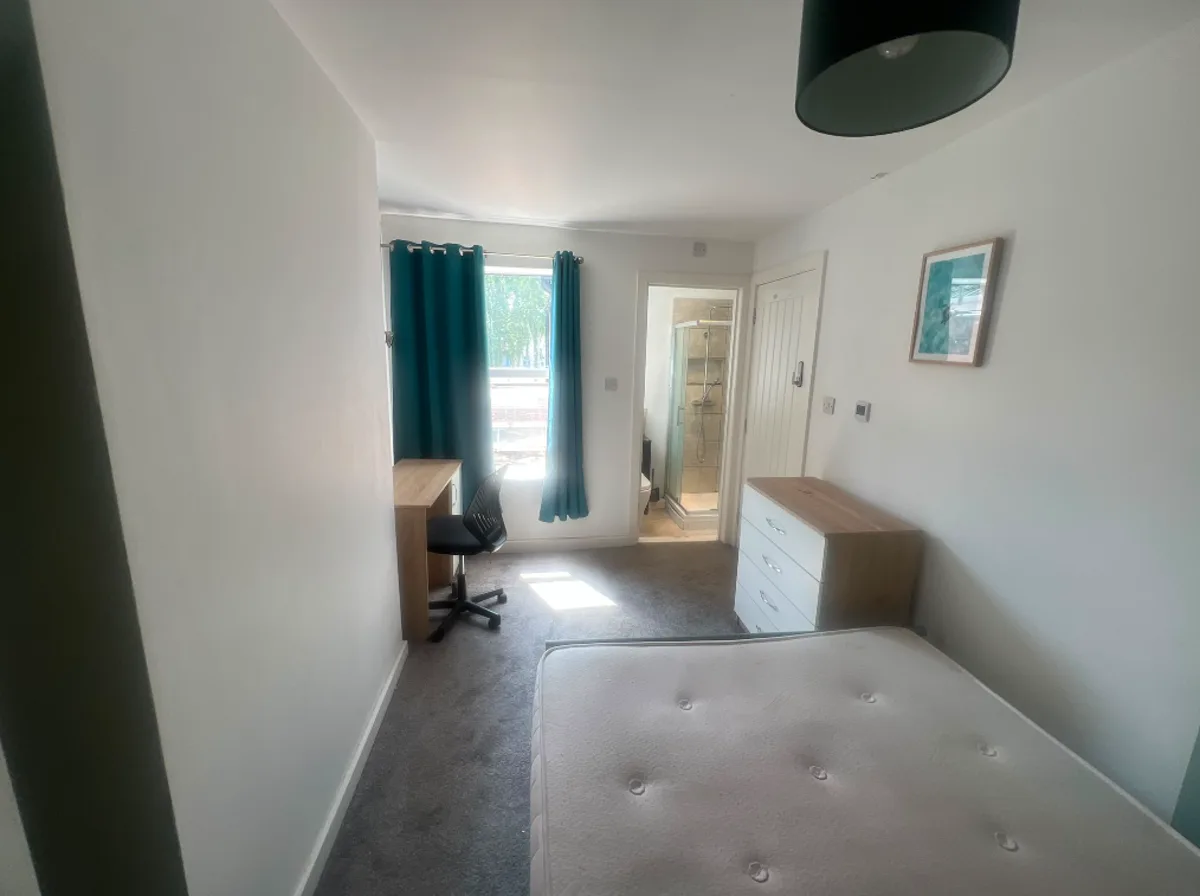
The same room, staged the same —
from every angle.
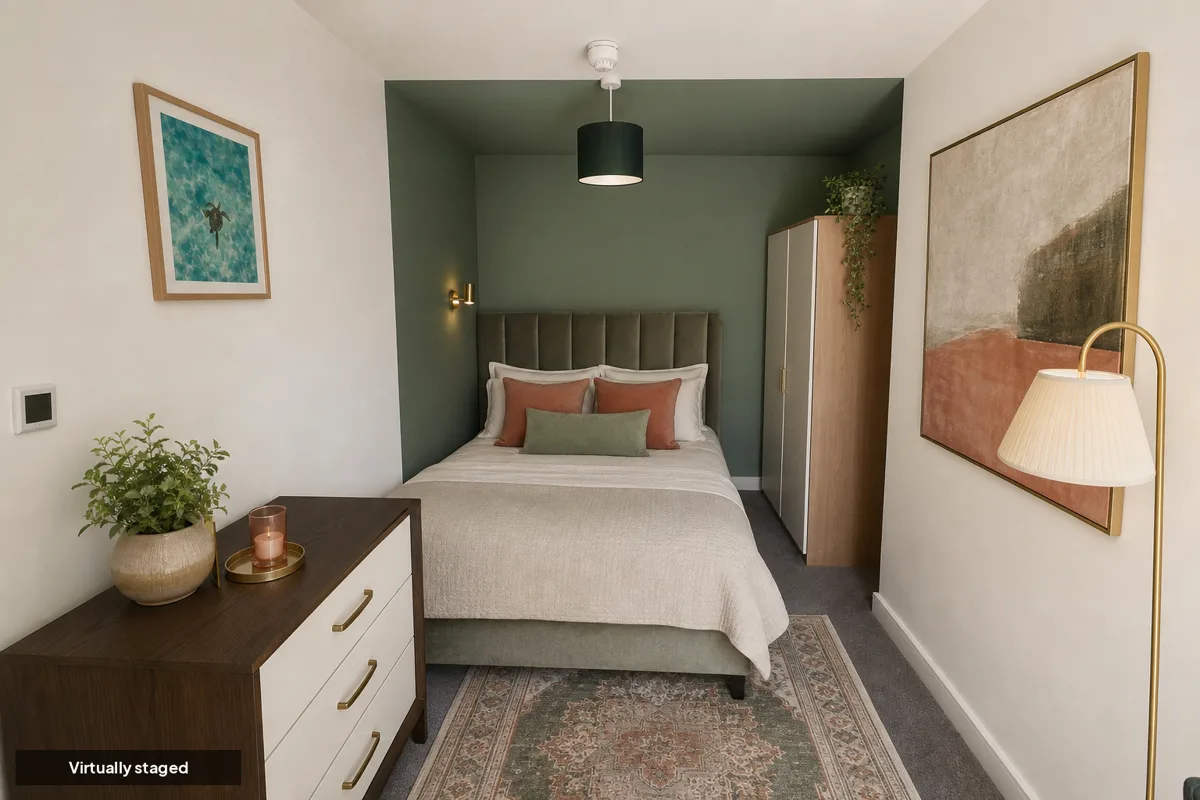
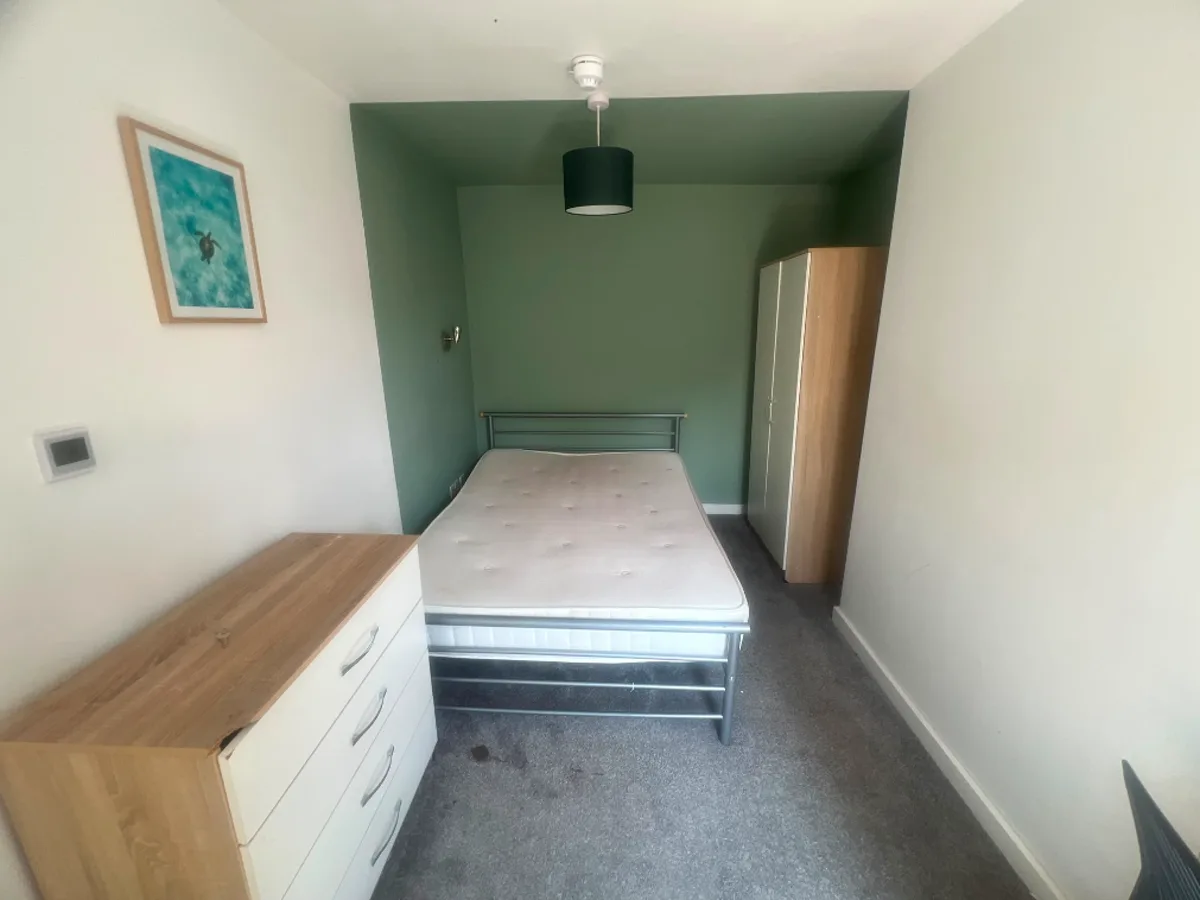
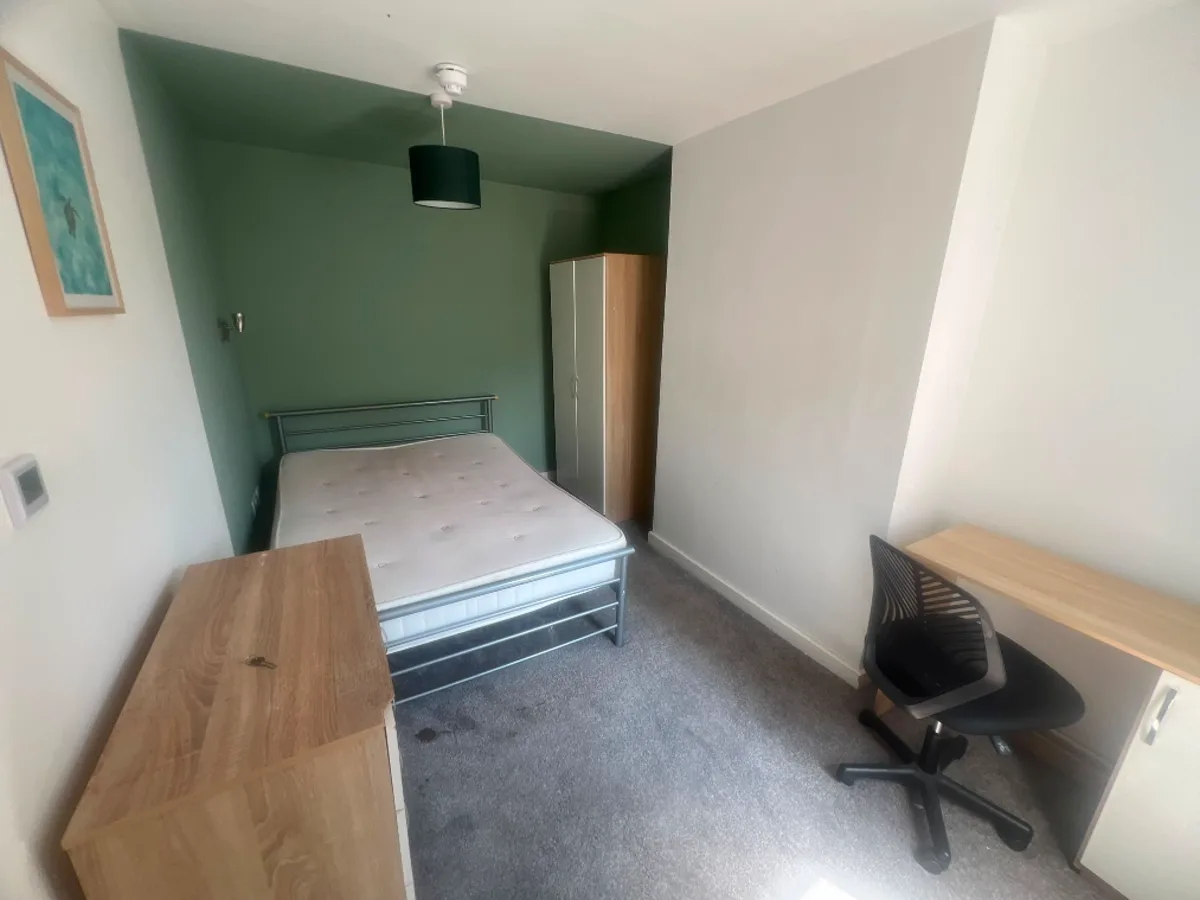
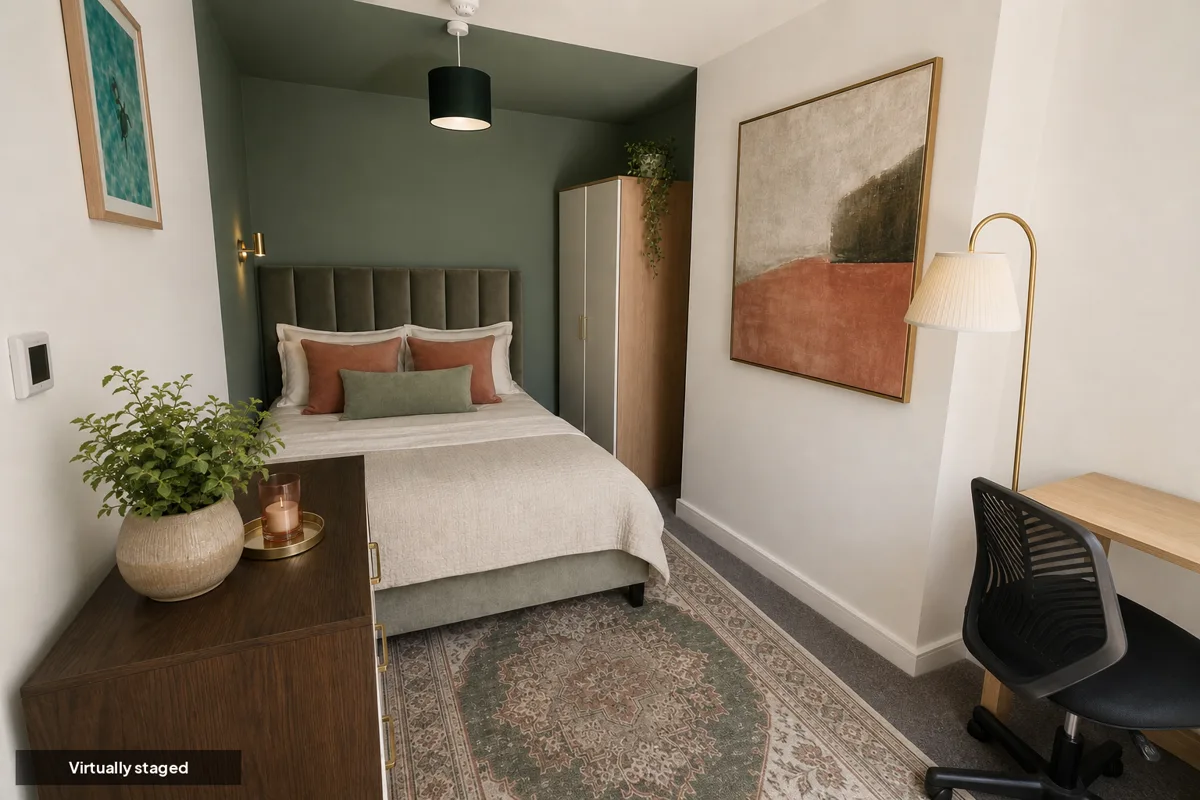
Most AI staging tools treat every photo on its own, so the sofa, the rug and the wall colour change from shot to shot. Photo Studio anchors the whole room to one render — the furniture, palette and layout hold across every angle, so a buyer scrolling your gallery sees one coherent home, not three different ones.
Before
Virtually staged
Before
Virtually staged
 Before
Virtually staged
Before
Virtually staged
Anchored to one render
Furniture, palette and layout stay identical across every photo of the room — the difference between a gallery that looks like one home and one that looks like three.
Real Photo Studio output — the same bedroom staged once, shown across three of its own camera angles. Drag each to compare against the empty original.
The interior lookbook
18 staging looks, one dropdown.
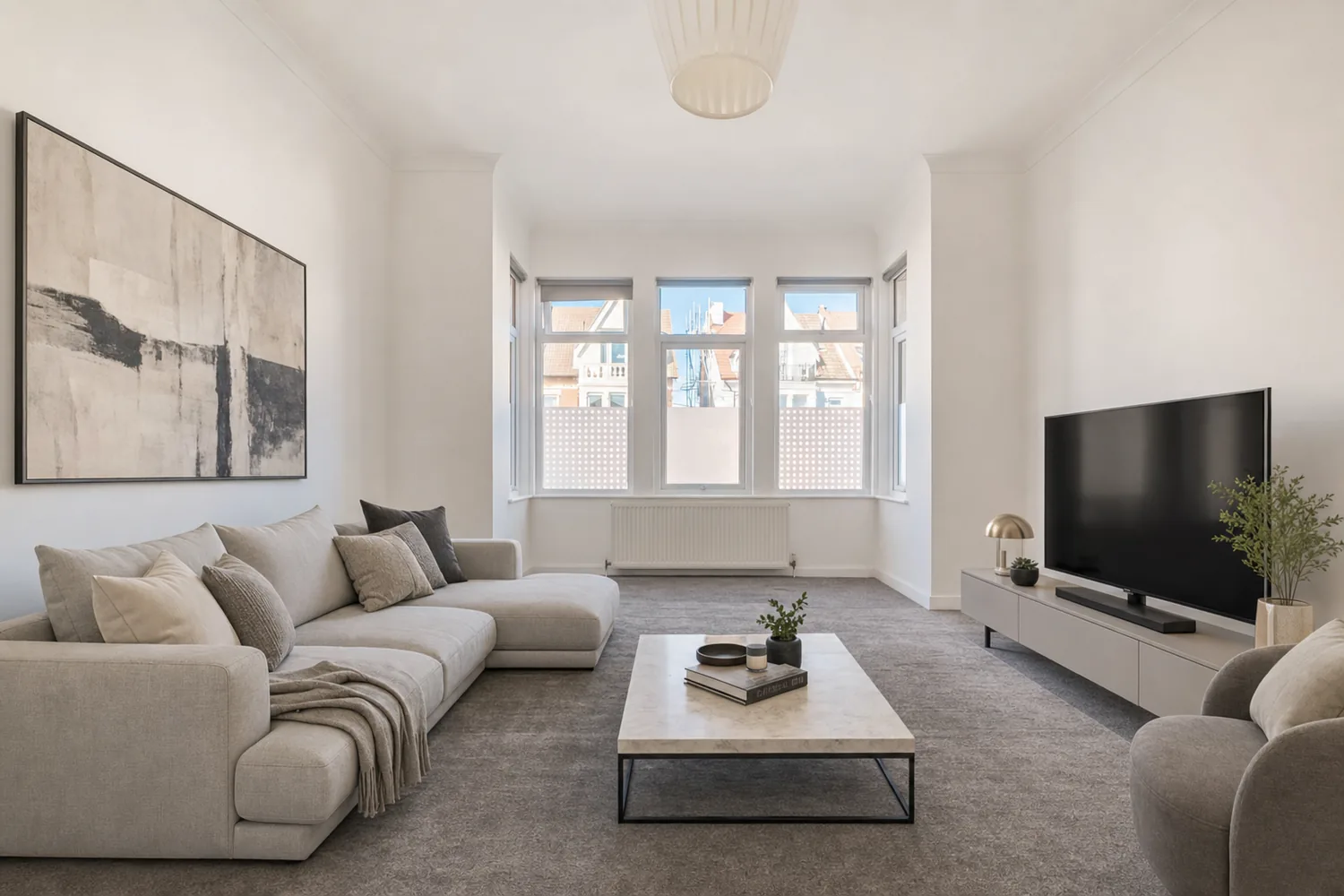
Each style is a full furnishing direction, not a single adjective — palette, materials, hero pieces and lighting all specified, so styles actually look different from one another.
 Virtually staged
Modern
Soft greys and warm white, low-profile seating, brushed-metal accents
Every image here is real Photo Studio output — one empty living room, staged 18 ways. Each style also drives the quick stylist's suggestions and the outdoor lookbook's clean-up looks.
The exterior lookbook
Kerb appeal, on a grey day.
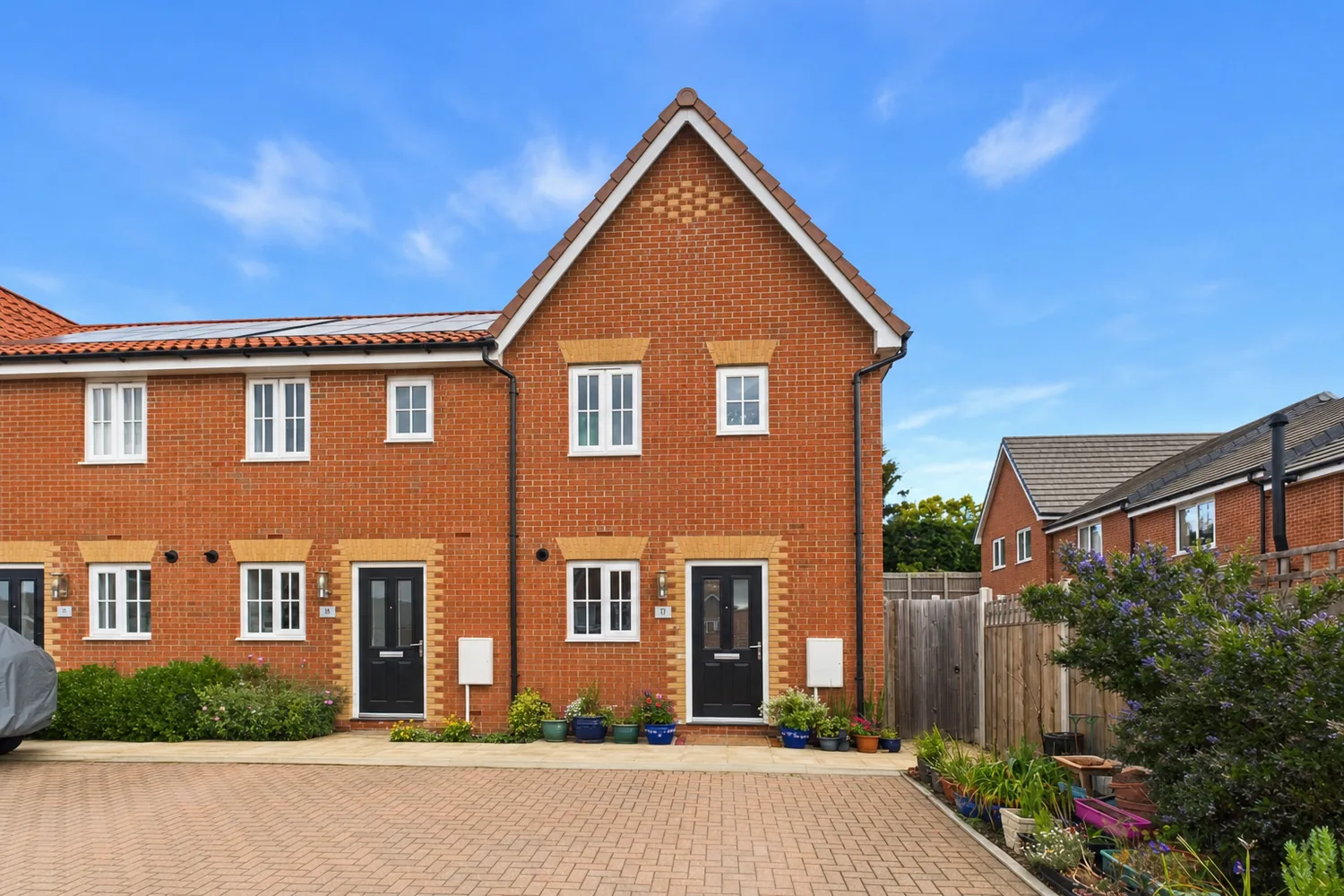
One frontage, one photo, taken under a flat British sky — then given the sky, the light and the tidy-up a professional shoot would have waited weeks for. The brickwork, roofline and boundaries never move.
 Digitally enhanced
Kerb appeal clean-up
The base exterior polish — tidied frontage, richer light and colour, nothing added or invented.
Real Photo Studio exterior output from a single frontage photo. Bins, cars and boards can be cleared too — every result carries a Digitally enhanced label.
The Elite Series
When the instruction deserves a cover shoot.
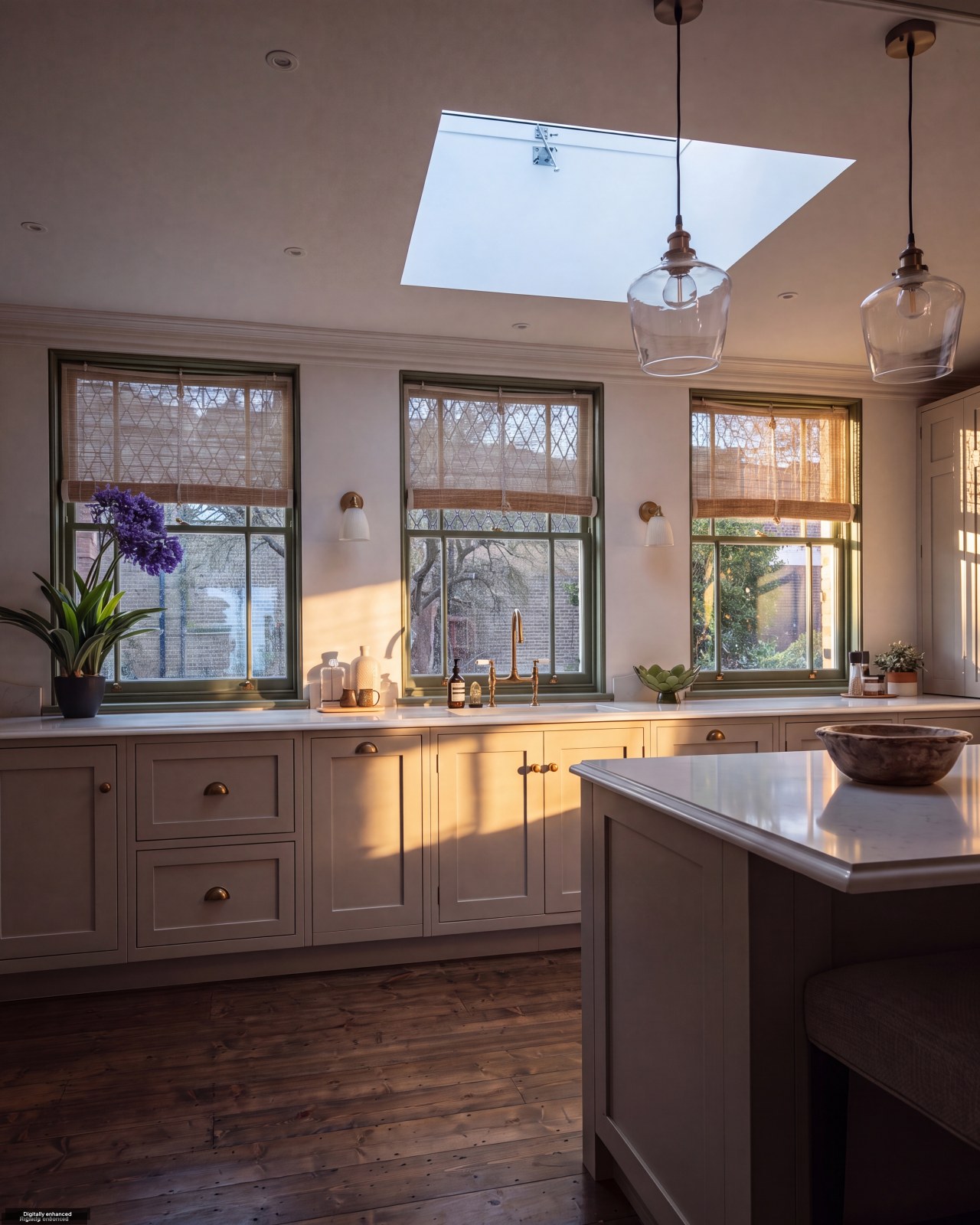
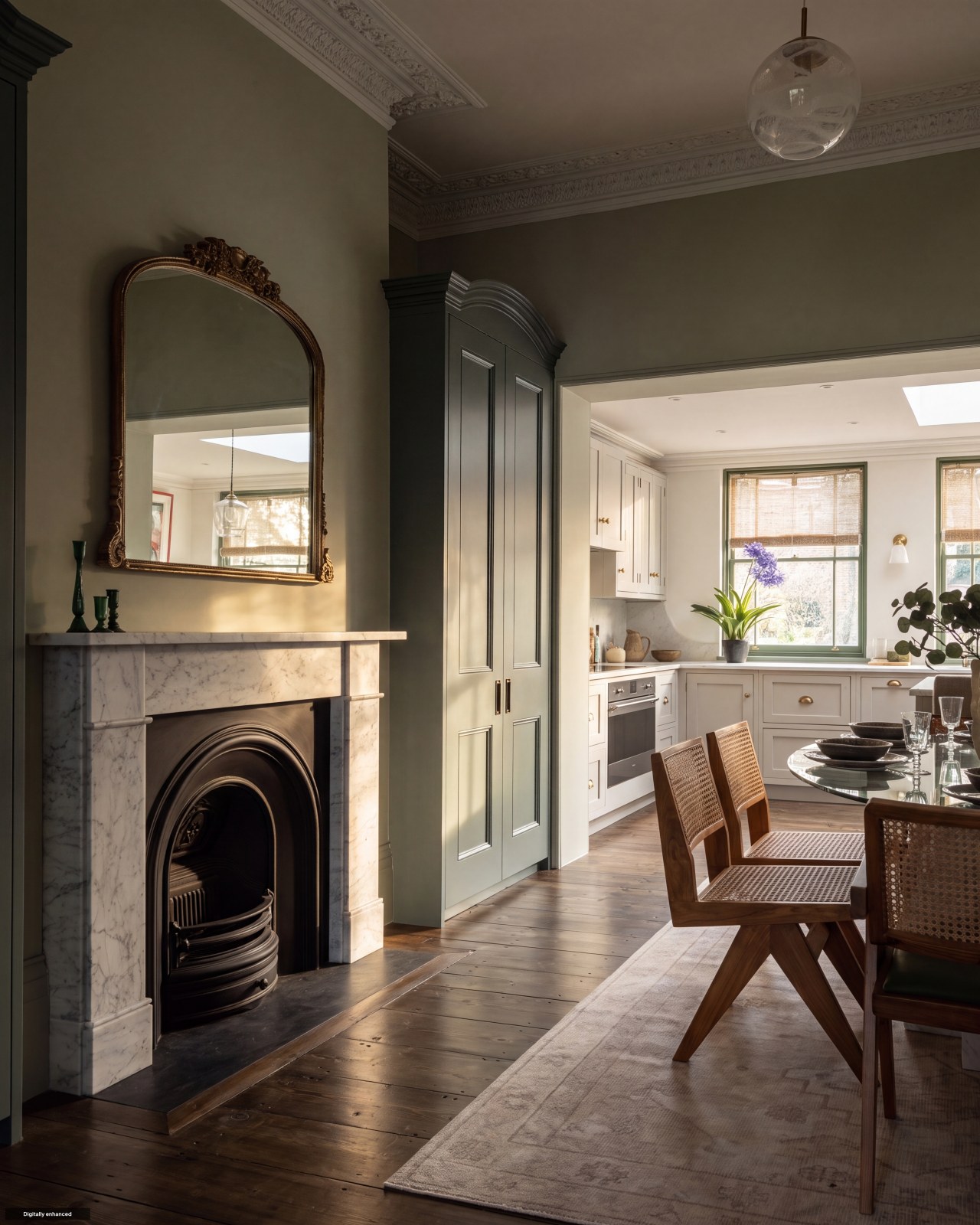
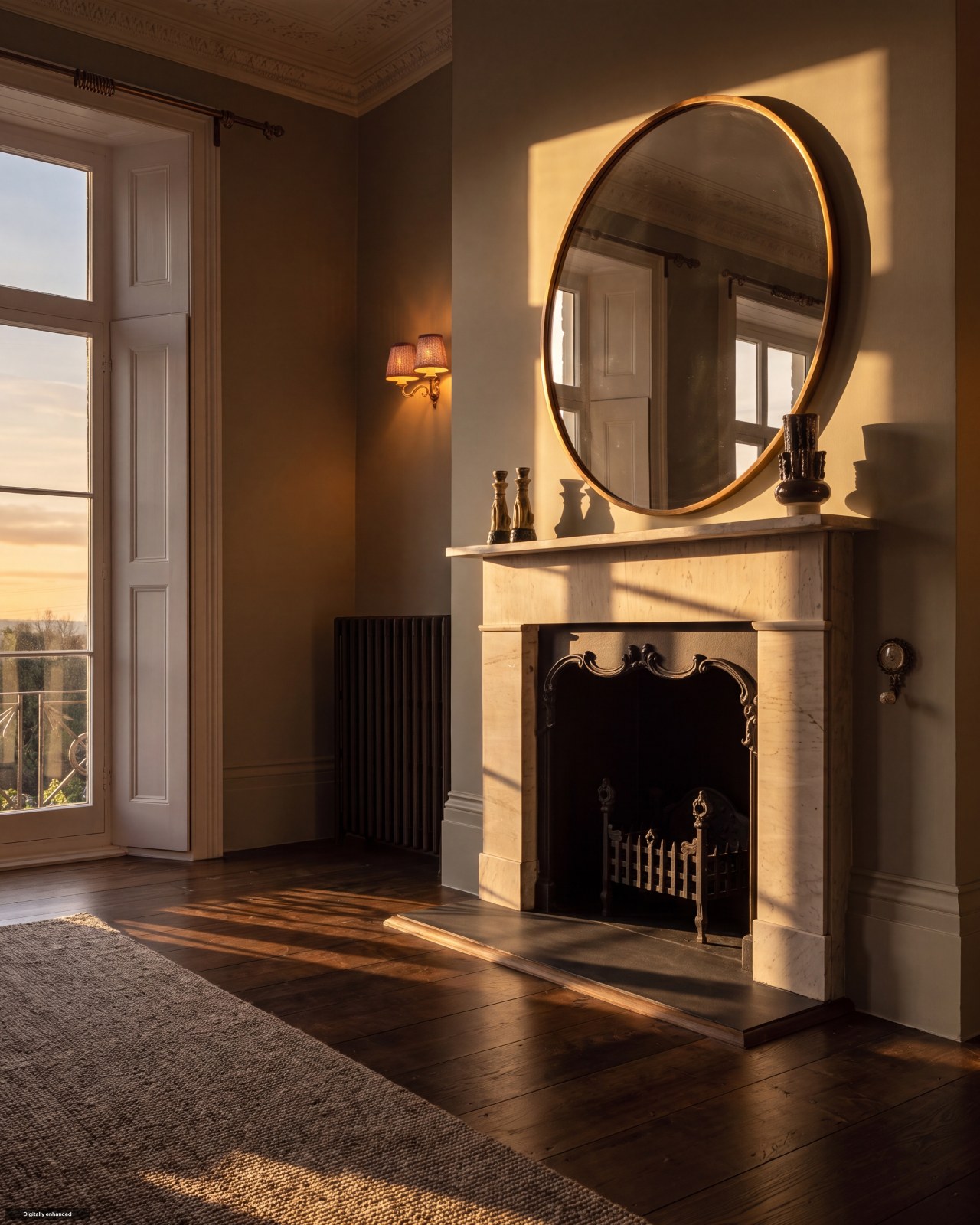
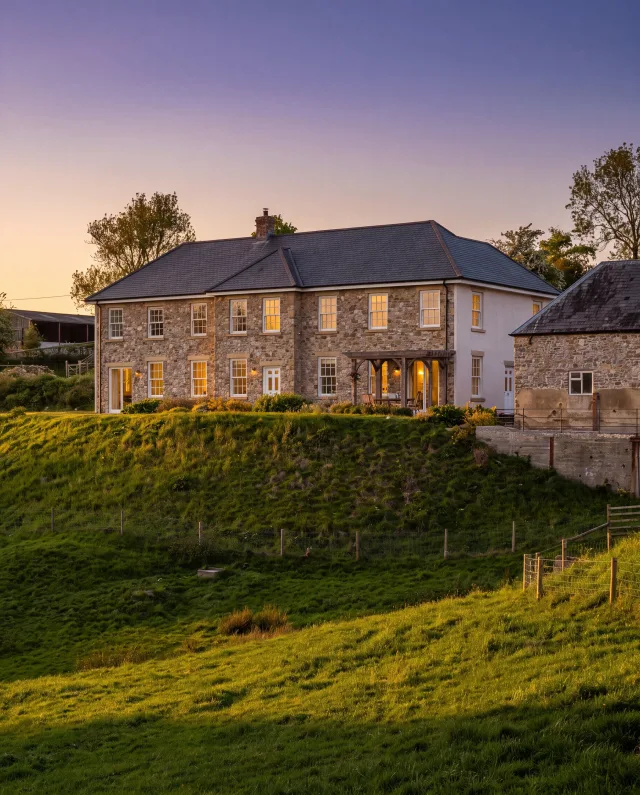
Hand Elite the listing's photos and it goes looking for the property's best moments — the original chimneypiece, the light falling through a bay window, the roofline at golden hour — then re-shoots them as a cinematic hero set of up to four magazine-grade frames. Same structure guardrails, a different league of light.
 Frame 1
 Frame 2
 Frame 3
 Frame 4
Addison Avenue, W11 — a real Elite Series set, re-shot in Photo Studio from the listing's own photos: the frontage at golden hour, then the details worth lingering on.


One set on the house, for every company
Elite is a Founder 250 benefit — member companies render Elite sets freely. Every other company gets exactly one set to try, so you can see what your best instruction looks like with cover-shoot light before deciding anything.
- Scouts up to 24 of the listing's photos and casts the four that deserve to be frames — the architecture does the talking
- The building, rooms and layout stay exactly as photographed — only the light and grade ascend
- Founder 250 members: unlimited Elite rendering, included
Honest by default
The AI stages. It never invents the room.
Every render — indoors or out — carries strict guardrails baked into the prompt. Walls, windows, doorways, fitted kitchen units, fireplaces, radiators, flooring and room proportions must stay exactly as in the source photo. Outdoors, the building's structure, roofline and boundaries are equally protected. Only furniture, decor, surface finish, sky and removable clutter can change — and every result carries a disclosure label so buyers know what they're looking at.
Who it's for
Every branch has a photo backlog somewhere.
The negotiator
A vacant instruction, no photographer slot free
A new instruction with an empty house shouldn't sit unlisted for a week waiting on a photographer's diary. Shoot it yourself, stage it, and list it the same day.
The branch manager
One consistent standard, whoever took the photos
Every negotiator's phone shots go through the same enhancement, the same disclosure rules and the same watermark — the gallery looks the same whoever did the viewing.
The lettings team
Refreshing a tired portfolio without a reshoot
Existing listing photos due a refresh — brighten, declutter, or clean up the exterior — without booking a new shoot or disturbing a tenant for another visit.
Time, illustrated
What a photo backlog used to cost you.
An illustrative example, not a measured benchmark — your own routine will vary.
| Task | The old routine | Photo Studio |
|---|---|---|
| Photographing an empty property | Book and wait for an external photographer | Shot on your own phone, same visit |
| Sorting a shoot into rooms | Renaming files by hand, room by room | Auto-sorted in batches of up to 10 |
| Furnishing a vacant room | Hired staging furniture, or list it bare | Virtually staged, one style, one batch |
| Tidying an exterior shot | Reshoot on a better day, or leave it as is | Sky, lawn, bins and cars fixed in one pass |
What it costs
Free within your monthly allowance.
Included for AI-Tools subscribers
A monthly fair-use allowance of enhancements is included free with an AI-Tools subscription — plenty for a normal photo workload, tracked per company rather than per user.
Pay-as-you-go beyond that
20p a photo at Standard quality, 30p at Final HD, drawn from a top-up credit pack. Auto-sort and the quick stylist's suggestions are always free to run.
The listing is the start
Once the photos are ready, put them to work.
Social Studio
Turn the enhanced gallery straight into branded social assets — the staged shot doesn't stop at the portal listing.
AI Market Appraisal
Same photos can feed the condition-aware valuation — a freshly enhanced kitchen or bathroom is factored into the number.
Letter Designer
Feature the newly staged photo in a Just Listed mailing to the street — the gallery you just built, back on the doormat.
FAQ
Common questions about Photo Studio
Is virtual staging disclosed to buyers?
Yes, always. Every enhanced photo carries a disclosure label — Virtually staged for furnished rooms, Digitally enhanced for everything else — switched on by default. You can turn it off per batch, but the label is the honest default because UK consumer protection guidance requires materially altered listing photos to be clearly disclosed.
Will the AI change the structure of the room?
No. Every render carries strict guardrails: walls, windows, doorways, fitted kitchen units, fireplaces, radiators, flooring layout and room proportions must stay exactly as in the source photo. Only furniture, soft furnishings, decor and surface finish can change indoors; only sky, lawn, driveway surfaces and removable clutter can change outdoors. Nothing is ever invented that changes what the room actually is.
How does automatic room sorting work?
Upload a whole shoot and a vision AI classifies each photo into a named room — kitchen, living room, bedroom, bathroom and so on — in batches of up to 10 photos at a time, carrying the room list forward so "Bedroom 2" means the same physical room in every batch. It's free, it's a convenience layer, and you can always rename or reassign any photo yourself.
What is the design brief in virtual staging?
When you stage a property, Photo Studio generates one cohesive decor scheme — palette, accent colours, furniture style — once per batch, so every room in that property is furnished as if by the same interior designer. It's deliberately varied from your branch's recent staging jobs, so two listings on the same road don't come out looking identical.
What if a property has several photos of the same room?
Group them as one room and turn chaining on. The first photo becomes the anchor render; every other angle of that room is then staged against the anchor's output, so the sofa, rug and artwork match from every angle instead of a different look per photo.
What does Photo Studio cost?
Standard quality is 20p a photo, Final HD is 30p. AI-Tools subscribers get a monthly fair-use allowance of enhancements included free; pay-as-you-go top-up packs are available once you're outside an allowance or not subscribed. Auto room sorting and the quick stylist suggestions don't cost anything to run.
Can I use my own reference photo for the style?
Yes. Upload a reference or style image alongside your source photos and the render is guided by it, on top of your chosen style. You can also just describe what you want in the free-text prompt, or tap one of the three AI-suggested styling directions the quick stylist proposes from the photo itself.
Can I touch up just one part of a photo?
Yes. Touch-up is masked inpainting — paint over the area you want changed (a stray cable, a patch of damp, a cluttered corner) and describe the fix. Only the masked region is regenerated; every pixel outside it stays exactly as it was, matched for lighting, shadow and perspective.
Can enhanced photos go straight onto the listing?
Yes. From the result gallery, save any finished photo straight back onto the matching listing's media — no download-and-reupload round trip. It lands as a new gallery image tagged as enhanced, ready for you to set live.
Does it work for exterior and garden photos as well as interiors?
Yes. Exterior clean-up covers sky swaps (blue, golden hour or twilight), greening a patchy lawn, and removing bins, parked cars and for-sale boards from the shot — all chattel-level changes, never the building's structure or roofline. Rooms tagged garden or exterior by the auto-sorter are routed to the correct outdoor prompt automatically, even mid-batch.
Where do source photos come from?
Three ways: upload straight from your phone or desktop, pick from an existing listing's gallery (Rightmove and CRM-fed listings both work through the cross-source picker), or paste a photo URL. All three can sit in the same batch, up to 40 photos at once.
What is the Elite Series?
Elite scouts up to 24 of the listing's photos, finds the property's best moments — original features, striking architecture, the strongest angles — and re-shoots them as up to four magazine-grade hero frames, with the same structure guardrails as every other render. Founder 250 member companies render Elite freely; every other company gets exactly one set free to try.
More tools
Explore the rest of the estate agent toolkit

Patch
See who is likely to move before anyone else
A live map of your territory scored for likelihood to move — reductions, withdrawals, fall-throughs, stale stock and landlord stock, each with a full property dossier.

Property Reveal
Unmask the owner behind any likely mover
Pay-per-address owner reveal on hot properties — single or bulk — so your canvassing letter lands with a name on it, not "Dear Homeowner".

Canvassing Campaigns
Direct mail that lands when it matters
Branded letters to scored cohorts in your patch — printed, posted and tracked for you, with cadence sequences and auto-canvass rules that enrol newly-hot homes.

Letter Designer
Design the letter they keep
A full letter design editor with AI copy assistance and AI-generated artwork — every mailing in your brand, saved as templates your whole branch can reuse.

CRM Match
Which homes in your database are on the market
Upload a CSV from your CRM and see what has happened to each home since: its last sale, whether it has changed hands, its value and rent, and whether it's on the market now and with whom. From 10p per record + VAT, with a free 100-record sample.

AI Market Appraisal
Walk in with the valuation already done
AI valuation with comparables and an AI council that stress-tests the number — appraisal-ready before you reach the doorstep.

Valuation Leads
Homeowners asking to be valued
Inbound valuation requests from home.co.uk delivered to your branch — statuses, auto-accept, delivery rules and per-lead intelligence in one inbox.

My Market
Your market share, measured honestly
Branch-level market intelligence — share of new instructions, competitor branch ranking, demand and stock trends across your outcodes.

Scoreboard
Every letter traced to its instruction
Outreach-to-outcome attribution — which campaigns, reveals and canvass rules actually turned into valuations and instructions, and what they cost you.

Canvas
The design studio built for agents
A full design studio inside the platform — brand kit, templates, folders, sharing and AI image tools for every piece of collateral your branch produces.

Social Studio
A week of social in one sitting
AI social assets in your brand — Instagram analysis, market-stat templates and ready-to-post creative for every listing and win.

The Home feed
Post once, be seen by local movers
A free, Instagram-style feed on home.co.uk: photos, carousels and reels, new listings that post themselves, and a branch profile that gathers followers.

Your agency profile
The page sellers land on
Your free public page on home.co.uk: your homes, the badges you have earned, your Home feed posts and a free valuation button, with optional extras you add by the month.

Articles
Your local content engine
An AI article pipeline from idea to published — keyword research, outlines, drafts, freshness updates and batch series that make you the local authority.
Website Studio
A new agency website by Friday
White-label, AI-assisted agency websites with custom domains — designed, built and hosted on the platform, synced to your brand kit and stock.

Widgets
Your site, powered by portal data
Embeddable valuation and property widgets for your own website, with analytics on every visitor interaction.

Ads Manager
Local advertising, self-serve
Banner campaigns across the home.co.uk network — targeting, impression estimates, creative tools and transparent billing, run from your dashboard.

Print Shop
From design to doormat
Print your Canvas designs as physical collateral — catalogue pricing, checkout and delivery handled from the same studio you designed in.

AI Visibility
Be the answer AI gives
See how your agency shows up across AI engines — visibility checks, brand mentions, tracked prompts and traffic correlation with your Google Analytics.

Listings Manager
Your stock, one command centre
Create, edit and publish listings with full media management, version history and imports — plus outbound feeds to the major portals.

CRM Sync
Plugs into the CRM you already run
Listing sync with Apex27, Alto, Jupix, Street, Rex, Loop, Domus, Expert Agent and more — stock flows in automatically, no re-keying.

Performance Analytics
Know which photo sells the house
Per-listing analytics — photo performance, price health and live view counts across your whole stock.

AML Checks
Compliance that bills the client
Anti-money-laundering identity checks with certificates stored against the deal — and bill-the-client payment so compliance stops costing you money.

Proof of Ownership
Title checked before you list
HM Land Registry titles bought in-platform via Business Gateway — pay-as-you-go or billed to the client, stored against the property.

Material Information
Part A, B and C without the chase
Material-information disclosure packs per property, with seller invites that collect the answers for you.

HomeSign
Signed before the seller cools off
E-signatures built in — send terms of business, track them from sent to signed, and keep every signed document stored against the lead it belongs to.

Referrals
Revenue from every completion
Referrals across eight services — conveyancing, mortgages, removals, surveys and more — with milestone tracking and payouts on business you already have.

Inigo
The AI assistant that knows your patch
Ask questions over your own market, patch and stock data — streamed, grounded answers inside the platform.
One platform for the branch. Every tool included.
Join home.co.uk and get the estate-agent toolkit with your account: market intelligence, canvassing, design studio, AML and ID checks and listings tools in one place. No lock-in. Pay only for the premium tools you actually use.
Quick setup · Built for UK estate agents · Trusted UK property platform since 1995