 Buy
Buy Rent
Rent Sell
Sell New
New Prices





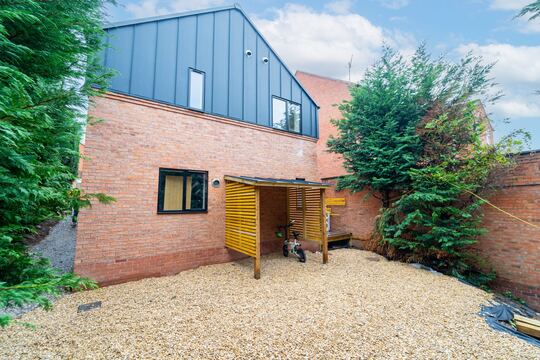
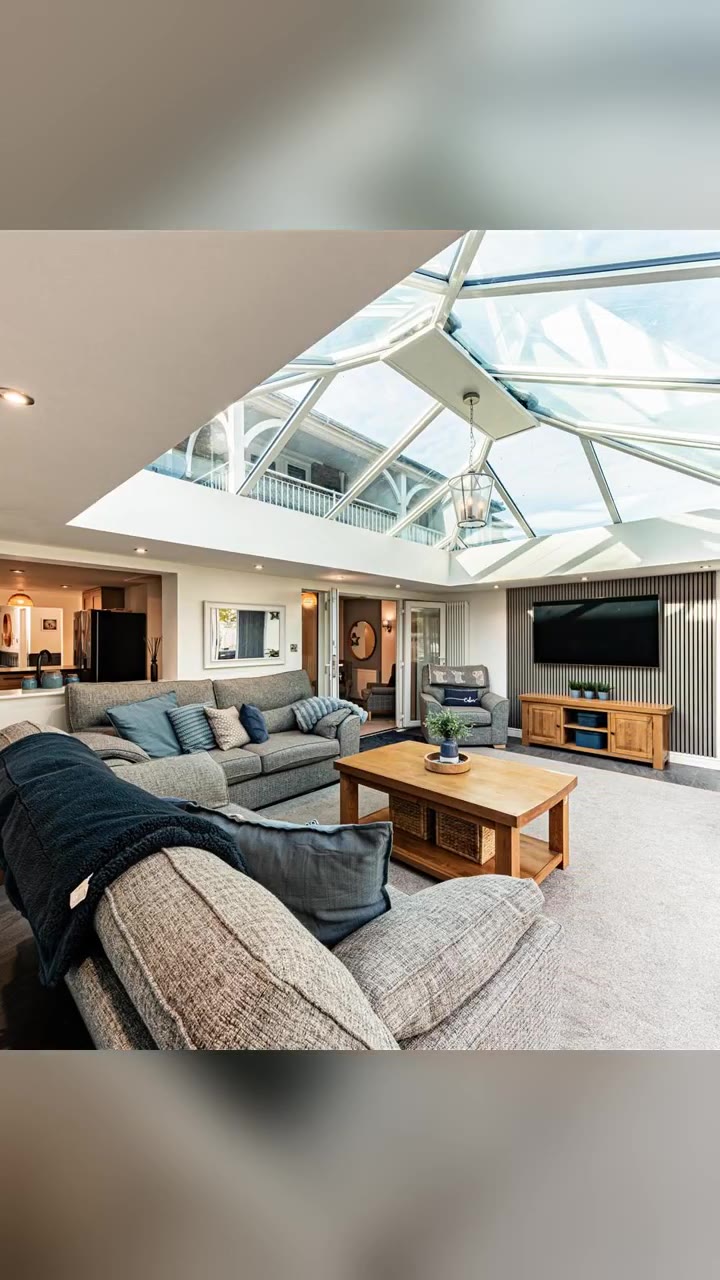
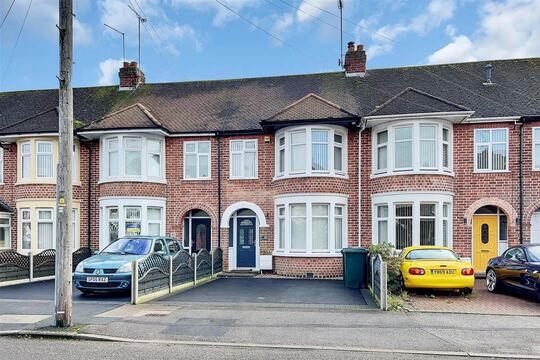

Local advertising, without the media agency.
Pick the postcodes you cover, set a budget, see an impression estimate before you spend a penny — then watch impressions, clicks and CTR arrive in real time. No insertion order, no account manager, no minimum contract. You're the buyer.
How Ads Manager works
Six steps from brief to booked.
One screen, run entirely from your own dashboard. No brief document, no proof round-trip, no media buyer taking a cut in the middle.
Pick a goal
Visibility, valuations, promoting a specific listing, or a full Brand Takeover that pairs a banner with an AI Mention inside Inigo's answers. Your goal narrows the placements that make sense — you're never shown a slot that doesn't fit what you're trying to do.
Choose your placements
Twelve positions across the network — homepage hero, search results, house-prices pages, sold-properties pages, agent search and more — each sized and priced for the audience it reaches. Pick one or several; your budget splits across whichever you select.
Draw your area, set a bid, see the estimate
Add the postcode outcodes you cover and a maximum bid for each. Ads Manager checks how competitive each area currently is and shows an estimated daily impression range before you commit any spend — so you're setting a budget against a real forecast, not a guess.
Build the creative
Let native mode generate a banner from your branch's logo, brand colours and live listing photos automatically, pick a template and swap in your own details, or build one from scratch on the canvas editor. No design brief to write, no agency proof to wait on.
Submit — an AI review runs automatically
Every campaign is checked by an automated content review the moment you submit it. Most ads clear straight away and go live immediately; anything flagged returns to draft with written feedback so you can fix it and resubmit, or gets escalated to a person.
Watch it run
Impressions, clicks, spend and CTR land on your ad's own dashboard as they happen, broken down by postcode and by day. Pause, edit the budget, add an outcode or swap the creative at any point — nothing is locked in for a fixed term.
The impression estimate
Draw the area. Watch the forecast build.
As soon as you add an outcode and a bid, Ads Manager checks live competition in that area and works out what your budget is likely to buy — before a single pound of it is spent.
Estimated daily impressions
0
Recalculated from your budget, bid and live competition — a range, not a guarantee. Delivery still depends on the auction on the day.
Illustrative walkthrough — figures shown are for demonstration, not a live auction result.
The network
Twelve places to be seen. One dashboard to book them.
Every placement runs a CPM auction — you set the ceiling, the system decides who wins each impression. Premium positions cost more because they're seen by more of the audience you're trying to reach.
Homepage Hero
~£100 CPMTop banner on the homepage — maximum visibility
Featured Partner
~£100 CPMA dedicated homepage section showcasing your agency
Homepage Featured
~£80 CPMA featured property card on the homepage
Search Results Featured
~£50 CPMA featured listing card inside property search results
Agent Search Featured
~£50 CPMA featured card in agent search results
House Prices Top
~£40 CPMTop banner on house-prices pages
Selling Page
~£40 CPMOn the selling guide, next to the agent finder
Property Detail Page
~£30 CPMSidebar on individual property pages — Founder 250 exclusive
Search Results Sidebar
~£25 CPMA sponsored card inside property search results
House Prices Commentary
~£25 CPMSidebar in market-commentary sections
Sold Properties
~£25 CPMSidebar on sold-properties pages
Search Results Bottom
~£20 CPMBanner below search-results pagination
CPM figures are the base rate before your bid and area competition — illustrative, not a quote. Property Detail Page is exclusive to Founder 250 members.
From your desk to the front page
Set it up once. It keeps working.
No campaign kick-off call, no waiting on a proof. Three steps between deciding to advertise and someone in your patch seeing it.

1 · At your desk
Build the campaign
Goal, placements, postcodes, budget and creative — fifteen minutes, start to submit. No brief document for anyone else to interpret.
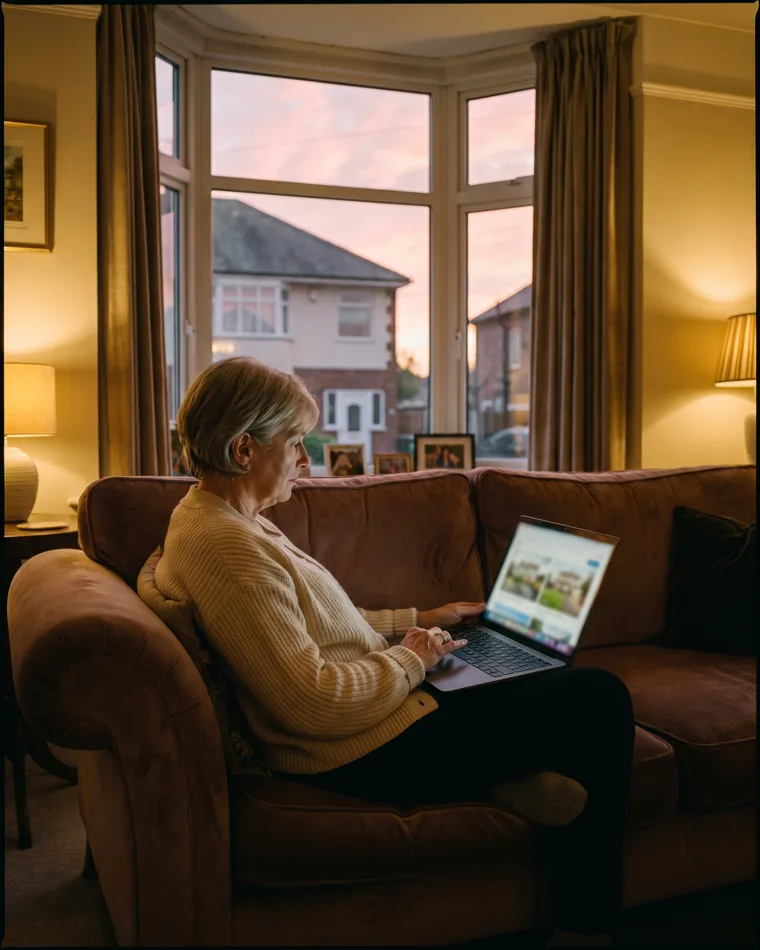
2 · Across the network
It goes live in your patch
Once approved, your ad enters the auction on every matched page in your targeted postcodes — homepage, search results, house prices, wherever you chose.

3 · Whenever you check
Watch it perform
Impressions, clicks and spend update as they happen. Pause it, raise the budget or swap the creative from your phone — no call to make first.
Transparent, by default
Every impression, click and pound — on one row.
No monthly report to wait for. Your ad's dashboard updates as impressions serve and clicks land, broken down by postcode underneath.
Impressions
0
Clicks
0
CTR
0%
Spend today
£0
By postcode
Illustrative example — figures shown are for demonstration, not a real campaign's data.
Targeting & the auction
You set the ceiling. The auction decides the rest.
Nobody buys a fixed slot for a fixed month. Every impression is won in real time, which is what keeps the pricing honest — you never pay more than your own ceiling, on an area you chose.
Outcode by outcode
Targeting runs at UK postcode-outcode level — SW11, LS1, BS8. Set a separate maximum bid for each area you cover, from a suggested regional list or your own branch's coverage, and add or remove outcodes whenever your patch changes.
CPM, not a rate card
Every placement carries its own base CPM, scaled by how premium the position is — roughly £20 per 1,000 impressions for a standard search-results banner up to around £100 for the homepage hero. You bid up to your maximum; you're charged only for what you win.
Founder 250 gets priority
Founder 250 branches get up to five featured postcode areas free of charge, shown first when there's an AI Mention to make, plus monthly ad credit that's applied automatically before any prepaid balance is touched.
Charged for what's actually seen. Impressions are only billed once they're confirmed viewable on the page — an ad that loads but is never scrolled into view isn't charged the moment it renders, it's queued and billed when it's actually seen, or dropped if it never is.
Creative, without a designer
Three ways to get a finished banner.
Whichever route you take, every creative supports the six IAB-standard sizes the network serves and seven animation presets — no separate artwork to commission per placement.
Fastest
Native mode
Ads Manager pulls your branch's logo, brand colours and live listing photos straight from your profile and assembles a banner automatically — no template to choose, no upload.
Guided
Template library
Start from a proven layout and drop in your own headline, colours and photo. A good middle ground if native mode's default composition isn't quite what you want.
Full control
Custom canvas or upload
Build your own creative on the canvas editor, or upload artwork your own designer has produced, if you want the exact composition your brand guidelines specify.
Six IAB-standard sizes
- Leaderboard, 728×90 — page headers
- Medium rectangle, 300×250 — sidebars and content
- Wide skyscraper, 300×600 — tall sidebar format
- Mobile banner, 320×100 — optimised for phones
- Large rectangle, 336×280 — bigger visual impact
- Featured partner section — a native homepage layout
Seven animation presets
Applied to any creative, no extra artwork needed — none, fade in, slide from left, slide from right, zoom in, a subtle pulse, or a typewriter headline.
Optional landing page
Give a campaign its own landing page with a headline and sub-headline, and toggle on team photos, recent sales, market stats, testimonials or a valuation widget — whichever trust signals fit that campaign.
Old way, new way
You used to brief an agency. Now you just log in.
Local display advertising has traditionally meant a media buyer in the middle. Ads Manager cuts that role out entirely.
The media agency route
- A briefing call, then a wait for a media plan
- Fixed insertion orders, usually monthly minimums
- A management fee on top of your media spend
- A monthly PDF report, days or weeks after the spend
- An email and a wait if you want to change anything mid-flight
Ads Manager
- Build and submit a campaign yourself in one sitting
- Daily budgets from £5, no fixed-term contract
- No management fee — your budget goes into the auction
- Impressions, clicks and spend as they happen
- Pause, retarget or swap the creative yourself, any time
A banner is one channel.
Inigo is another.
Choose the takeover goal and Ads Manager pairs your display banner with an AI Mention configuration, so your agency can also be proposed as a recommended local agent inside Inigo's answers — contextually, not as a blanket plug.
- Triggers on real intent — selling, valuation, agent recommendations, market advice, buying
- Up to four unique selling points you write yourself
- A tone you choose — professional, friendly or expert
- Shares the same daily budget and analytics as the display side

Every ad is checked
Self-serve doesn't mean unmoderated.
Submitting an ad doesn't put it live instantly. It goes through an automated content review first — most clear in moments, and there's a human backstop for anything the system isn't sure about.
Automatic on submit
Every campaign — display or AI mention — is queued for an AI content review the moment you submit it. Most ads pass and activate within moments, with no extra click from you.
Rejected? You get feedback
If something's flagged, the ad returns to draft with written feedback explaining why, so you can fix the specific issue and resubmit — not a generic decline with no explanation.
A human backstop
Three rejections on the same ad, or a first-time submission from a newly Founder 250 branch, is automatically escalated to a person on our ads team rather than left to the automated pass alone.
Billing, plainly
No surprise invoice. You choose how you pay.
Top up a balance and watch it draw down, or run a tab and settle it monthly — either way, every charge has a paper trail.
Prepaid deposit balance
- Top up once, and spend draws down against it automatically each day
- Set an auto top-up threshold and amount, so your ad never pauses unexpectedly
- A low-balance warning lands before the balance actually runs out
- Downloadable PDF receipt for every payment, no waiting on email
Monthly invoicing
- Every invoice line itemises the period, the placements and the spend
- Any Founder 250 credit applied is shown as a separate line, not folded in
- All invoices download as PDF from your billing tab, any time
- Advertising billing sits separately from your platform subscription tab
Built for the branch, not head office
Whoever runs marketing at your branch can run this.
Ads Manager is scoped to your own account and branches — no separate media login, no agency contact to loop in.
The branch manager
Wants a quiet week to turn into three more valuation enquiries, without booking a call with anyone to make it happen.
The multi-branch marketer
Runs the same campaign structure across several branches, each targeted to its own postcodes, from one login rather than several agency relationships.
The sole agent
Doesn't have a marketing budget big enough to interest an agency, but has £5 a day and fifteen minutes to set a campaign live.
Part of the toolkit
Ads Manager pairs well with what's already in your account.
Feed your ad campaigns from the same brand and property data these tools already hold.
Canvassing Campaigns
Printed and posted direct mail to the same postcode cohorts you're advertising to online.
Website Studio
The brand profile Ads Manager pulls logo and colours from lives here — set it up once, use it everywhere.
Photo Studio
Sharpen the listing photos that native mode and property-promotion ads pull straight into your creative.
My Market
See which postcodes are heating up on your patch before you decide where to point your ad budget.
FAQ
Common questions about Ads Manager
How much does it cost to run an ad?
There's no flat rate card. Every placement runs an auction priced on CPM (cost per 1,000 impressions), and each placement carries its own multiplier on a base rate — roughly £20 CPM for a standard search-results banner up to around £100 CPM for the homepage hero or featured-partner section. You set a daily budget (from a £5/day minimum) and a maximum bid per postcode area, and you're only charged for impressions your ad actually wins and serves that day.
How does targeting work?
By UK postcode outcode — SW11, LS1, BS8 and so on. You add the outcodes you want to reach, set a maximum bid for each, and your ad only enters the auction on pages matched to those areas. You can pick from a suggested list for your region or draw on your branch's existing coverage area, and add or drop outcodes at any time.
What does the impression estimate actually tell me?
Before you commit spend, Ads Manager works out your suggested bid for that outcode and placement, divides your daily budget by it, then adjusts the result for how competitive that area currently is. The output is a range, not a promise — placements are won in a live auction against other agents' bids, so actual delivery depends on who else is bidding on the day.
What ad placements can I choose from?
Twelve placements across the network: the homepage hero banner, a dedicated homepage featured-partner section, a homepage featured-property card, three positions inside property search results, the property detail page sidebar (Founder 250 exclusive), two positions on house-prices pages, a sidebar on sold-properties pages, a featured card in agent search, and a placement on the selling guide next to the agent finder. Each has its own size, CPM multiplier and best-fit campaign goal.
Do I need to design the creative myself?
No. Native mode auto-generates on-brand banners straight from your branch's logo, brand colours and live listing photos — no design software required. If you'd rather start from a layout, pick from the template library, or build your own on the custom canvas editor and upload it. Every creative supports the six IAB-standard sizes the network serves and seven animation presets, from a gentle fade to a typewriter headline.
Can I promote a specific property listing?
Yes. Choose the property goal and Ads Manager builds the creative around a live listing you select — address, price, bedrooms, bathrooms and photo pulled straight from your listing data. The homepage-featured placement can showcase up to three of your listings at once.
What is Brand Takeover?
Brand Takeover pairs a display banner with an AI Mention configuration, so your agency can also be proposed as a recommended local agent inside Inigo's answers — triggered contextually when a visitor asks about selling, valuation, agent recommendations, market advice or buying. You set up to four unique selling points and a tone (professional, friendly or expert), and Inigo works from that brief rather than inventing anything about your firm.
Does every ad get reviewed before it goes live?
Yes. Every ad is automatically submitted for AI content review the moment you create it. Approved ads activate straight away with no extra step from you. A rejected ad returns to draft with written feedback so you can fix it and resubmit. Three rejections on the same ad, or any first-time ad from a newly Founder 250 branch, are automatically escalated to a person for manual review.
How does billing work?
You top up a prepaid deposit balance — with optional auto top-up at a threshold you set — or you're invoiced monthly with a downloadable PDF invoice and payment receipts for every charge. Founder 250 members receive monthly ad credit that's applied automatically before any deposit balance is touched, plus a reduced net rate.
What happens if my budget or balance runs out mid-day?
Your ad simply stops entering the auction for the rest of that day once its daily budget or deposit balance is exhausted, then resumes the next day. Founder 250 ads can keep serving on remaining monthly credit even at a zero deposit balance. If you've enabled auto top-up, your balance tops up automatically before it runs dry.
Can I see how my ads are performing?
Yes. Every ad has its own dashboard showing daily impressions, clicks, spend and click-through rate, plus a postcode-by-postcode performance breakdown, filterable across 7, 14, 30 or 90 days or all time. Brand Takeover and AI Mention ads additionally show which visitor questions triggered a mention of your agency.
Is there a minimum contract?
No. The only minimum is a £5/day daily budget while a campaign is running. You can pause an ad, change its targeting, budget or placements, or stop it entirely at any time — there's no fixed term tied to using Ads Manager.
More tools
Explore the rest of the estate agent toolkit

Patch
See who is likely to move before anyone else
A live map of your territory scored for likelihood to move — reductions, withdrawals, fall-throughs, stale stock and landlord stock, each with a full property dossier.

Property Reveal
Unmask the owner behind any likely mover
Pay-per-address owner reveal on hot properties — single or bulk — so your canvassing letter lands with a name on it, not "Dear Homeowner".

Canvassing Campaigns
Direct mail that lands when it matters
Branded letters to scored cohorts in your patch — printed, posted and tracked for you, with cadence sequences and auto-canvass rules that enrol newly-hot homes.

Letter Designer
Design the letter they keep
A full letter design editor with AI copy assistance and AI-generated artwork — every mailing in your brand, saved as templates your whole branch can reuse.

CRM Match
Which homes in your database are on the market
Upload a CSV from your CRM and see what has happened to each home since: its last sale, whether it has changed hands, its value and rent, and whether it's on the market now and with whom. From 10p per record + VAT, with a free 100-record sample.

AI Market Appraisal
Walk in with the valuation already done
AI valuation with comparables and an AI council that stress-tests the number — appraisal-ready before you reach the doorstep.

Valuation Leads
Homeowners asking to be valued
Inbound valuation requests from home.co.uk delivered to your branch — statuses, auto-accept, delivery rules and per-lead intelligence in one inbox.

My Market
Your market share, measured honestly
Branch-level market intelligence — share of new instructions, competitor branch ranking, demand and stock trends across your outcodes.

Scoreboard
Every letter traced to its instruction
Outreach-to-outcome attribution — which campaigns, reveals and canvass rules actually turned into valuations and instructions, and what they cost you.

Canvas
The design studio built for agents
A full design studio inside the platform — brand kit, templates, folders, sharing and AI image tools for every piece of collateral your branch produces.

Photo Studio
Every listing photo, magazine-grade
AI photo enhancement, virtual staging and automatic room sorting — phone shots in, listing photography out.

Social Studio
A week of social in one sitting
AI social assets in your brand — Instagram analysis, market-stat templates and ready-to-post creative for every listing and win.

The Home feed
Post once, be seen by local movers
A free, Instagram-style feed on home.co.uk: photos, carousels and reels, new listings that post themselves, and a branch profile that gathers followers.

Your agency profile
The page sellers land on
Your free public page on home.co.uk: your homes, the badges you have earned, your Home feed posts and a free valuation button, with optional extras you add by the month.

Articles
Your local content engine
An AI article pipeline from idea to published — keyword research, outlines, drafts, freshness updates and batch series that make you the local authority.
Website Studio
A new agency website by Friday
White-label, AI-assisted agency websites with custom domains — designed, built and hosted on the platform, synced to your brand kit and stock.

Widgets
Your site, powered by portal data
Embeddable valuation and property widgets for your own website, with analytics on every visitor interaction.
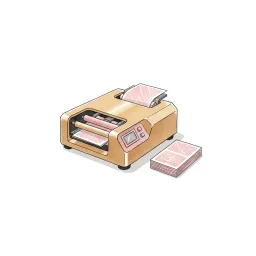
Print Shop
From design to doormat
Print your Canvas designs as physical collateral — catalogue pricing, checkout and delivery handled from the same studio you designed in.

AI Visibility
Be the answer AI gives
See how your agency shows up across AI engines — visibility checks, brand mentions, tracked prompts and traffic correlation with your Google Analytics.

Listings Manager
Your stock, one command centre
Create, edit and publish listings with full media management, version history and imports — plus outbound feeds to the major portals.

CRM Sync
Plugs into the CRM you already run
Listing sync with Apex27, Alto, Jupix, Street, Rex, Loop, Domus, Expert Agent and more — stock flows in automatically, no re-keying.

Performance Analytics
Know which photo sells the house
Per-listing analytics — photo performance, price health and live view counts across your whole stock.

AML Checks
Compliance that bills the client
Anti-money-laundering identity checks with certificates stored against the deal — and bill-the-client payment so compliance stops costing you money.

Proof of Ownership
Title checked before you list
HM Land Registry titles bought in-platform via Business Gateway — pay-as-you-go or billed to the client, stored against the property.

Material Information
Part A, B and C without the chase
Material-information disclosure packs per property, with seller invites that collect the answers for you.

HomeSign
Signed before the seller cools off
E-signatures built in — send terms of business, track them from sent to signed, and keep every signed document stored against the lead it belongs to.

Referrals
Revenue from every completion
Referrals across eight services — conveyancing, mortgages, removals, surveys and more — with milestone tracking and payouts on business you already have.

Inigo
The AI assistant that knows your patch
Ask questions over your own market, patch and stock data — streamed, grounded answers inside the platform.
One platform for the branch. Every tool included.
Join home.co.uk and get the estate-agent toolkit with your account: market intelligence, canvassing, design studio, AML and ID checks and listings tools in one place. No lock-in. Pay only for the premium tools you actually use.
Quick setup · Built for UK estate agents · Trusted UK property platform since 1995