












Otto gets sharper photo controls for every report
Otto now has dedicated photo selection and confirmation modals, a built-in editor picker, and cleaner per-report billing. Better photo control on every RICS Level 2 and Level 3 survey.
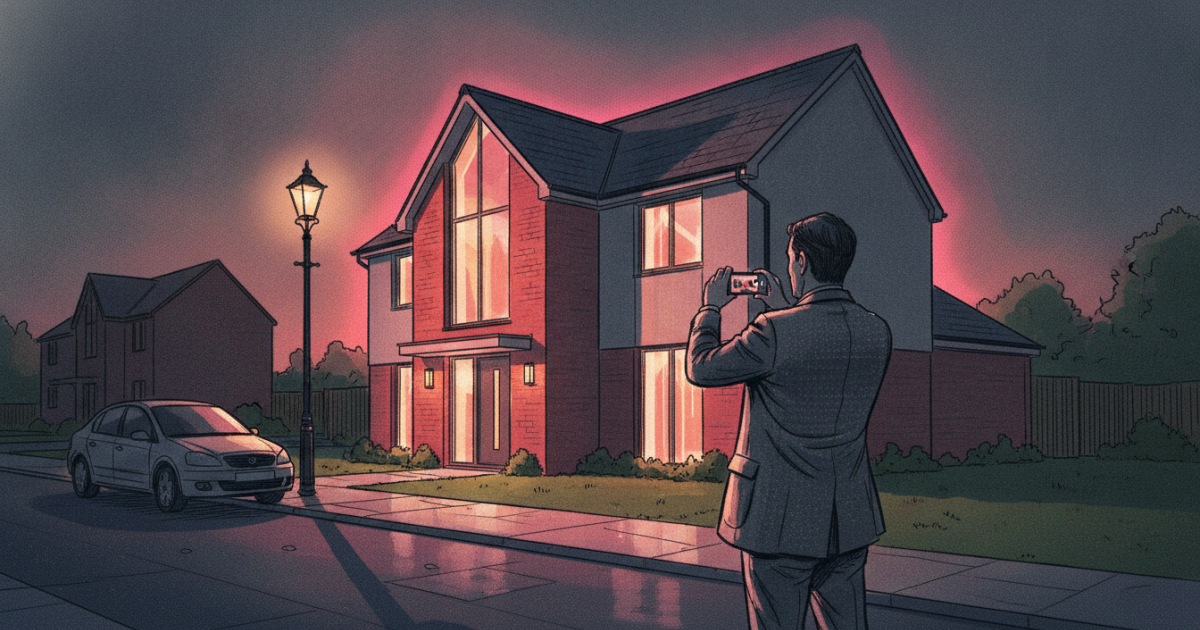
Photographs do a lot of quiet work in a survey report. They are the evidence behind every condition rating you give, the record you would stand behind if a rating were ever questioned, and, in practice, the part of the document your client reads most closely. A homeowner may skim your prose, but they will study the picture of the cracked render or the perished pointing. The photo is where the finding becomes real to them.
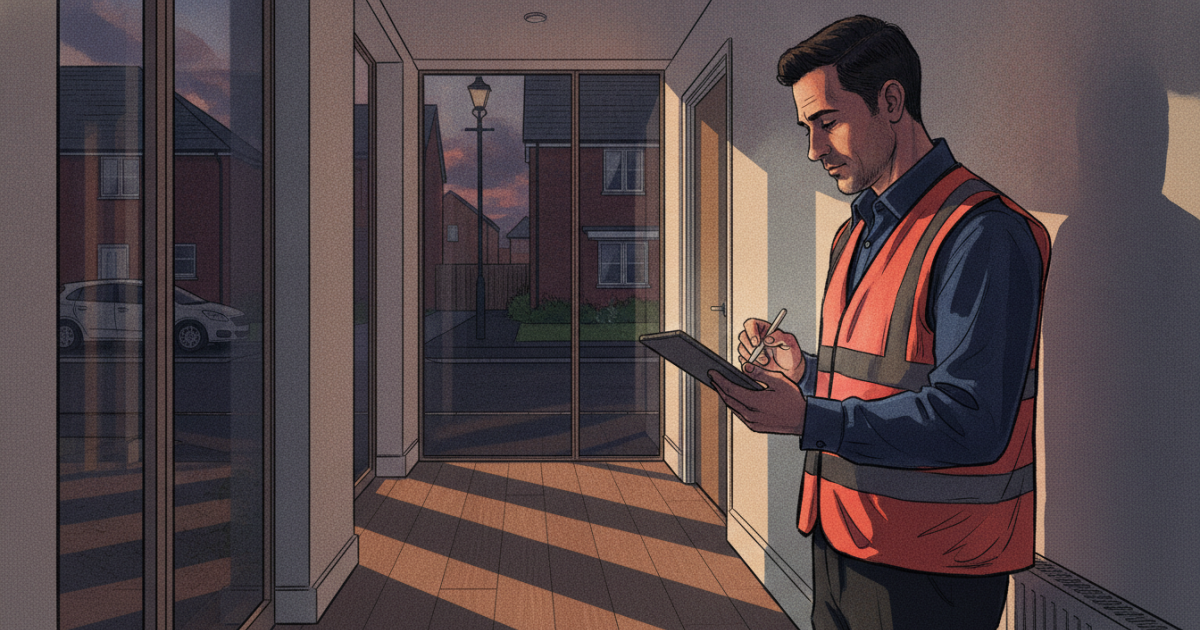
Getting the right image against the right defect has always been the slow part. You come back from an inspection with a card full of shots, and matching each one to the correct element, cropping out the clutter, and dropping it into the right section of a Level 2 or Level 3 report is careful, repetitive work. This update to Otto, our AI report writer in the surveyor dashboard, takes the friction out of that step while keeping every decision in your hands.
A proper photo selection flow
Otto now has a dedicated photo selection and confirmation step. When you reach the photography stage of a report, you see every image available to you, choose the ones you want included, and confirm the set before anything is processed. Nothing goes into the draft that you have not signed off. There is no guessing which shots made the cut and no unexpected pictures appearing in the document later.
Alongside this sits a photo choice picker. From one place you decide how each image arrives: upload it directly, open the built-in editor, or pull from photos already attached to the job. The route is clearly signposted, so you are not hunting through separate menus to find where an image should come from.
An editor picker for finer control
Some shots need a small adjustment before they earn their place in a report. A crop to centre the defect, a straighten, a trim of a distracting background. The editor picker now lives inside the upload flow itself. You select the image, open the editor, make the change, and carry on without breaking your rhythm. It is one continuous step rather than a detour you have to remember to take.
Cleaner billing, per report
When Otto runs AI image analysis on a job, that usage is now tracked at the individual report level. You can see exactly what analysis was performed and what it cost against that specific report, with no cross-referencing of a separate statement. Leave-page protection guards the session too, so closing a tab mid-report will not strand you with a charge for analysis that never produced a draft. For a fuller picture of what happens when Otto reads condition from a photograph, that is where the analysis you are billing for takes place.
Part of the wider auto-mode workflow
These controls fit the way Otto already drafts. On site you dictate as you inspect and photograph as you go. Back at the desk, the auto-mode report writer in Otto v2 assembles the narrative, and the photo step now lets you place the evidence with the same speed. Everything applies to both RICS Level 2 HomeBuyer reports and RICS Level 3 Building Surveys. If you are still weighing which one a client needs, read our guide to Level 2 vs Level 3. Open a report in your surveyor dashboard and the updated photo controls are already waiting.
Otto assists with report drafting and photo analysis. Professional judgement and sign-off remain with the chartered surveyor.
Thinking about your next move?
See what your home's worth in seconds, with the UK's longest-running property data behind it.
Get an instant valuation