Buy
Buy Rent
Rent Sell
Sell New
New Prices






How to search for a property on Home: a guide for buyers
Start your property search on Home with location search, map view, radius search and filters. A practical guide for buyers to find homes for sale across the UK.
In this article
Home tracks 1,249,531 live UK property listings right now, for sale and to rent combined. That is a lot of ground to cover with no plan. This guide walks through how to use Home to narrow the field quickly and find properties that match what you need.
Start with location
The most direct way in is to type a town, city, postcode or street name into the search bar. Home returns results for that area straight away. If you want to expand from a central point, use the radius search: set a distance in miles from any postcode and we'll show you everything within that range. This is useful if you're flexible on the exact area but have a commute anchor you need to stay close to.
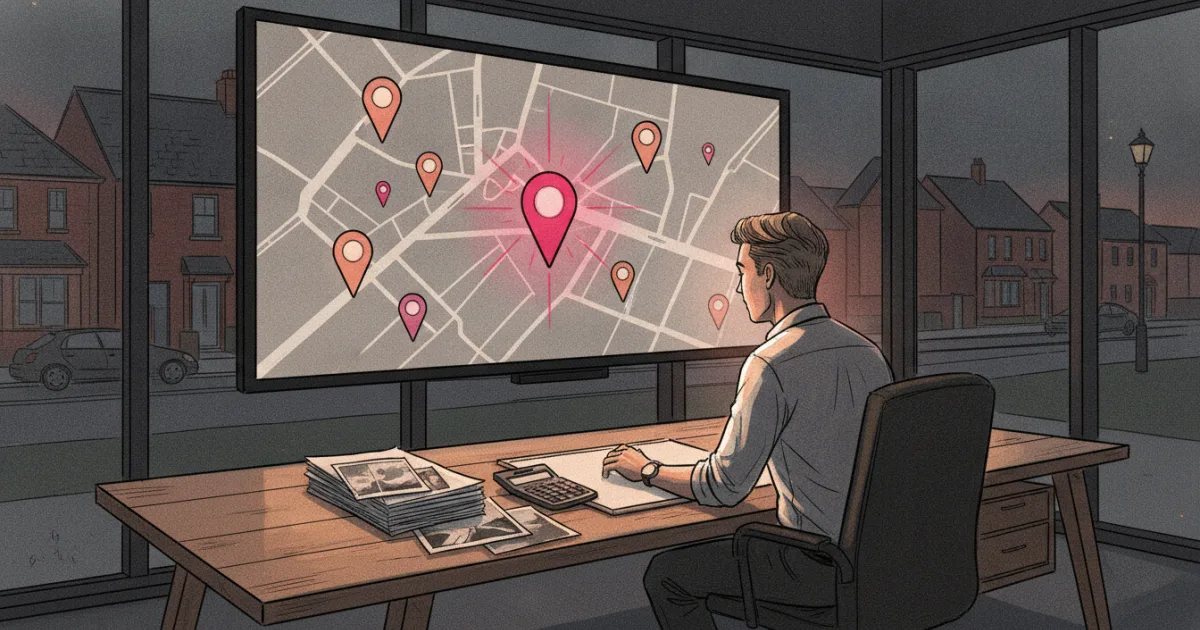
If you'd rather explore visually, switch to map view. The map lets you drag and zoom across the country, see clusters of listings and click into individual properties without losing your sense of where things sit geographically. Particularly useful when you're weighing up a new town and need to understand how properties relate to schools, stations or the high street.
Apply filters to cut the noise
Once you have a location, filters do the heavy lifting:
- Price range, set a maximum, or a minimum and maximum if you're buying with a specific budget in mind.
- Property type, house, flat, terraced, semi-detached, detached, bungalow.
- Bedrooms, a minimum number, or an exact count.
- Status, whether you want to see properties for sale, under offer, or recently sold (useful context when you're reading the market).
You don't need to fill every filter. Start loose, then tighten as you get a feel for supply and price.
Read the property page
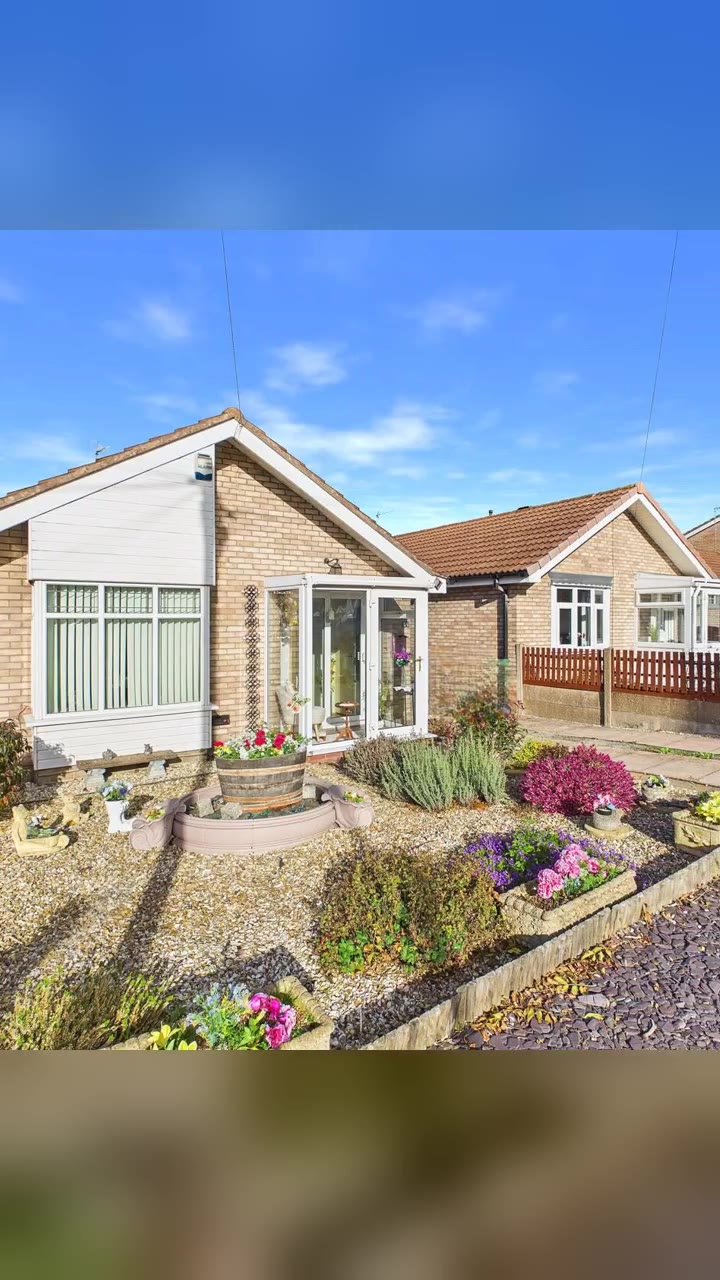
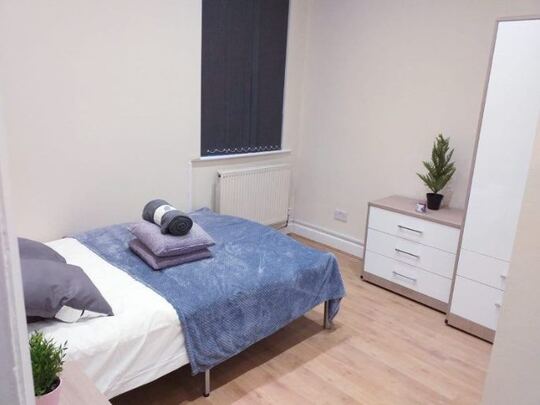
Every listing on Home has an impartial property page that shows the details without the usual agent-branded framing. You'll see the photos, floor plan (where available), room sizes, and key facts about the property. You can also see house prices in the surrounding streets, which helps you sense-check whether the asking price is in line with what's sold nearby. A 3-bed house in Fringford, Oxfordshire at £350,000, for example, shows the same layout of facts as a one-bed city flat: photos, floor plan, local sold prices, and status.
If the listing is claimed by an agent on Home, you'll find their contact details on the page and can reach out directly. If the property is unclaimed, it may still carry sold-price history and local context even without a full listing, and you might already own one that's on the site without knowing it.
Save your searches
When you find a combination of location, price and criteria that works, save it. Home will alert you when new properties matching your search come to market, so you're not manually refreshing every morning. Speed matters in competitive areas: being among the first to inquire on a new instruction often makes a real difference.
A note on completeness
Home aims to make every property in the UK discoverable, including those not actively marketed. This means your search results may include properties without a live for-sale listing. These give you useful context about an area but are not necessarily available to buy. Look for the listing status label on each property page.
Ready to start? Search properties to buy and take your first look.