 Buy
Buy Rent
Rent Sell
Sell New
New Prices






Home Academy · Learn your Home tools
Your first week.
Your first Otto report.
Learn the steps. Try the real tools. Produce a report you have reviewed — with a path you can follow from your phone.
Nine written lessons · Firm progress saved · Real tools to practise
A practical route into the tools
Learn. Try. Produce.
Learn · start with the job
A walkthrough, not a blank help box.
Each lesson tells you what the tool is for and takes you through a short ordered set of steps. Read the whole lesson or keep it beside the task you are doing.
The screen clip slot stays empty until a real recording is ready. The written steps are here now.
Learn · choose your tool
Nine starting points.
About 6 minutes to read
Your first Otto report
Turn inspection evidence into a draft you review and produce.
About 4 minutes to read
Dictate useful inspection notes
Capture what you observed while the property is fresh in your mind.
About 4 minutes to read
Choose relevant comparables
Build a reasoned comparison from sold or rental evidence.
About 4 minutes to read
Follow an enquiry through to a booking
Keep the client, property and job together.
About 4 minutes to read
Prepare a quote
Check the service and price before contacting the client.
About 4 minutes to read
Find a payment and its payout
See what was collected and what still needs attention.
About 4 minutes to read
Preview your firm’s website
Check your public shop window before publishing changes.
About 4 minutes to read
Read and reply to a review
Respond to customer feedback from the portal.
About 4 minutes to read
Ask Inigo a focused question
Explore property and market information with a clear brief.
Try · take it into the real tool
One small action makes it stick.
Every lesson ends with one thing to try and a link into the tool. Check a transcript, inspect a comparable or review a quote before sending it.
These are real screens. Permissions and usage charges still apply, and sending, publishing or taking payment affects real people.

Try · a first-week path
A useful next step each day.
Monday to Friday is a suggested rhythm. Work at your pace; the goal is a reviewed first report, not a row of hurried ticks.
Illustrative path · follow it inside Academy
Monday
Get ready
Follow an enquiry through to a booking · Prepare a quote · Find a payment and its payout
Tuesday
Capture evidence
Dictate useful inspection notes
Wednesday
Build your first draft
Your first Otto report
Thursday
Check the evidence
Choose relevant comparables · Ask Inigo a focused question
Friday
Review, produce and check your shop window
Your first Otto report · Preview your firm’s website · Read and reply to a review
Try · help where you need it
A lesson beside the tool.
First time here?
A lesson suggestion appears when you open a covered tool. Follow it, or dismiss it once you know your way around.
Pick up where your firm left off.
Progress belongs to the firm. Mark a lesson after practising and your colleagues can see what has been tried. You can reopen a completed lesson at any time.
Produce · review before sharing
The lesson ends. Your judgement stays.
Otto can prepare the draft. You check the observations, ratings, evidence and outstanding QA findings, complete sign-off and inspect the PDF.
A completed lesson does not approve a report. The first-report lesson takes you through the review as well as the upload.
Read the first-report lesson →
Produce · a path you can revisit
Come back for the next job.
Academy has a home in your dashboard. Use it to learn a tool you have not needed yet, refresh a step or show a colleague where to begin.
Lessons live in a versioned source. When a screen changes, its walkthrough can change with it and the new version can invite another practice run.
Questions before you start
Getting started
What is Home Academy?
Short lessons on Home tools. Each explains what the tool is for, walks through the real screens and gives you one thing to try.
How do I get access?
Claim your surveyor firm on Home, complete the account checks and open Academy from your surveyor dashboard.
Where should a new firm start?
Follow the first-week path. Prepare bookings and payments, practise dictation, then build and review your first Otto report.
Must I finish the lessons in order?
No. The path is a suggestion. Open any lesson when you need that tool, and revisit it at any time.
Learning by doing
Which tools have lessons?
Otto, dictation, comparables, CRM and bookings, quotes, payments, website, reviews and Inigo.
Are there lesson videos?
Written walkthroughs are available now. Screen clips have not been added yet; there are no simulated lesson videos.
What does Try it now do?
It opens the real tool. Your account permissions and any usage charges still apply. Check before sending messages, taking payments or publishing changes.
Can I use it on my phone?
Yes. The lesson steps and first-week path fit a phone screen, so you can refer to them while working.
Progress and reports
Is progress remembered?
Yes. Mark a lesson complete after trying it. Progress is saved for your firm, so colleagues share the same path.
What happens when a screen changes?
The lesson source is versioned. When a walkthrough changes, a new lesson version can ask your firm to practise it again.
Does completing a lesson approve my report?
No. You must review the evidence, wording, condition ratings and outstanding QA findings, complete sign-off and check the PDF before sharing it.
Will I have a report by Friday?
That is the aim of the suggested first-week path, not a promised turnaround. It depends on your inspection evidence, account setup and review.
Give your firm somewhere to start.
Claim your firm, open the dashboard and take the first lesson.
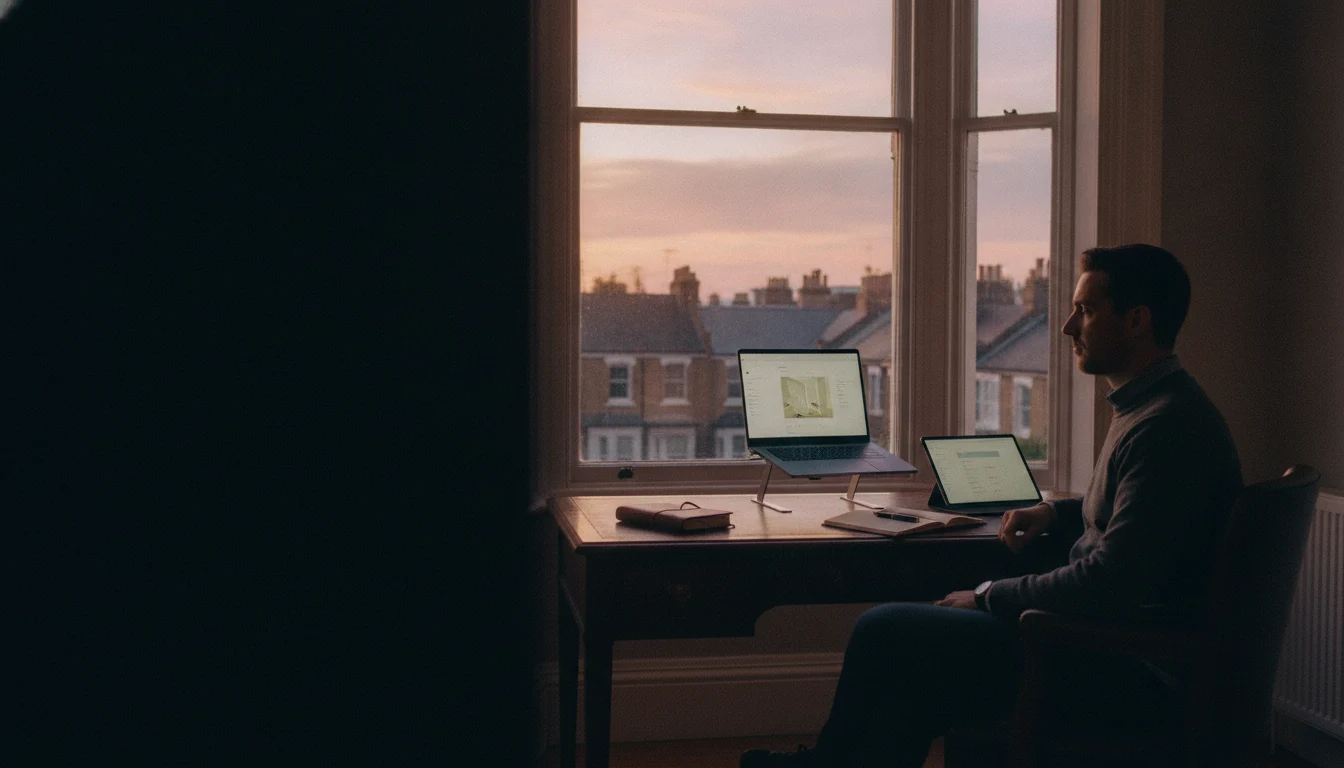
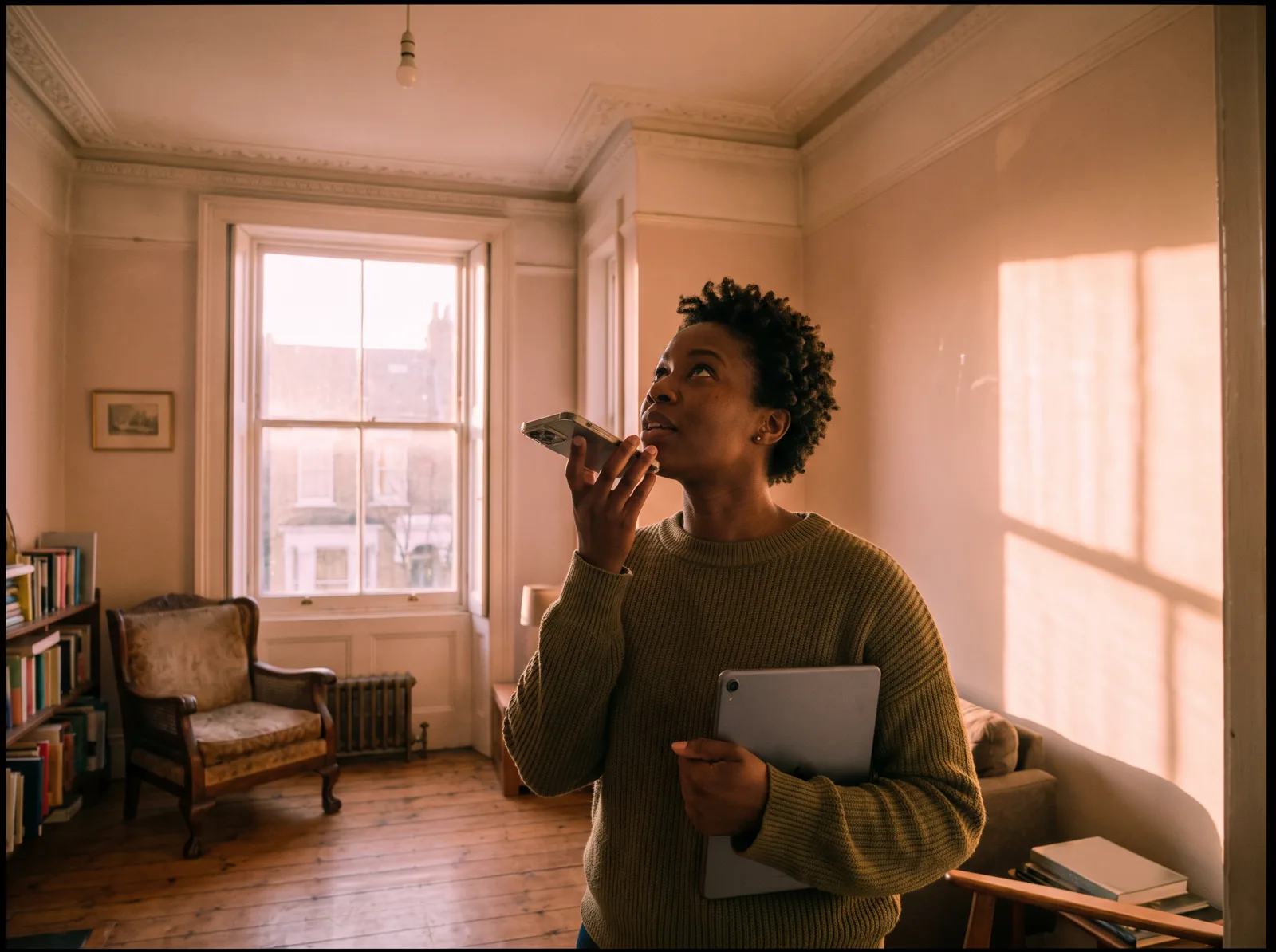
Written steps reviewed 2026-10-07. Photography is illustrative stand-in artwork from the Home surveyor toolkit.